Guide · 12 min read
Wedding QR Code for Photos: The 2026 Guide (with Free Templates)
A wedding QR code is the most underrated piece of stationery you'll print. Done well, it collects every photo and video your guests take, in one private gallery, organised by moment. Done badly, it joins the pile of cards no one scans. This is the definitive 2026 guide — design, placement, etiquette, common mistakes, and a free printable template.
Why wedding QR codes finally make sense
Three things changed. First, every modern phone scans QR codes from the native camera — no app required. Second, wedding-specific platforms like Confetti Frame solved the organisation problem (a QR upload page is useless if it dumps 4,000 photos into one chronological scroll). Third, couples got tired of WhatsApp groups dying three days after the wedding.
The result: in 2026, a QR code is the default for any couple who actually wants to keep what their guests captured. It out-collects hashtags, group chats, disposable cameras and shared cloud folders — combined.
What a good wedding QR code actually does
- Opens an upload page branded with your names, not a generic logo
- Lets guests upload photos and 4K video, including HEIC, in seconds
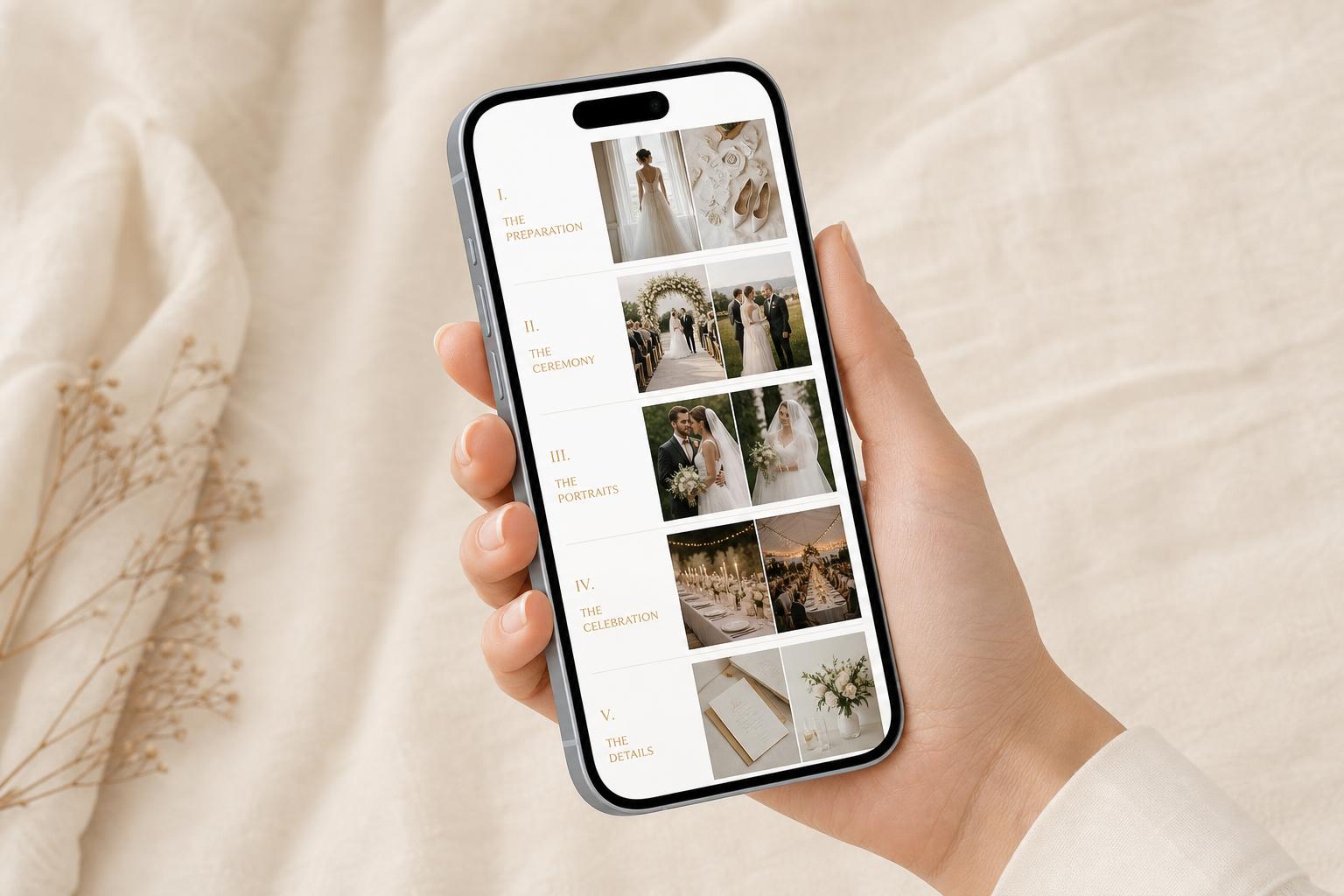
- Organises uploads by chapter — Getting Ready, Ceremony, Reception — so you can find a moment instantly
- Gives you a private feed only you can curate, with a public gallery you choose
- Keeps full-resolution originals in an archive you own, not compressed previews
If the QR code on your card does anything less than this, you're using a generic QR generator. Switch.
Designing your wedding QR card
The best wedding QR cards look like part of the stationery suite, not a tech artefact. Five rules:
- Match the typography of your invitations. Same typeface, same paper stock, same colour palette.
- Dark code on light background. Phone cameras struggle with inverted contrast. Avoid metallic foils over the code itself.
- Keep the quiet zone. 4 mm of clear space around the QR — no flourishes, no foliage, no overlap.
- One sentence above, one beneath. Above: "Scan to share your photos with us." Beneath: the URL as fallback, in small type.
- Three sizes, three purposes. Business card on tables, A6 at the bar, A5 framed at the entrance. Scale matters.
Skip the design work
Free template — customise names, date, message and download print-ready PDF.
Where to place QR codes for maximum scans
The data is clear: repetition drives scans. One sign at the entrance collects roughly 12% of guests. Eight placement points across the venue collects 80%+. Use all of these:
- Welcome table (A5, framed)
- Every reception table (business card, propped between centrepiece and menus)
- The bar (A5, beside the drinks list — guests' phones are already out)
- Back cover of the order of service (catches ceremony moments)
- Photo booth or backdrop (the moments staged for sharing)
- Bathroom mirror frame (small card — feels playful, works disproportionately well)
- Late-night snack station (by then guests will share anything)
- A single slide on the projector between speeches
Wedding QR code etiquette in 2026
A few small things separate a polished setup from one that feels demanding:
- Frame it as sharing, not collecting. "Share what you snap" sounds invitational. "Upload your photos here" sounds like a task.
- Tell guests what happens to their photos. A line like "private to us — we'll send the best back to you" increases participation by a third.
- Don't enforce real names. Optional attribution always beats compulsory.
- Approve before publishing. Owner-curated feeds are the modern standard. Nobody wants a stranger's blurry candid in their public gallery.
Common mistakes to avoid
- QR code over a photograph. Pretty, unreliable. Phone cameras need contrast.
- Only one QR card at the venue. One sign, one batch of guests forgets it exists by the starter.
- Asking guests to download an app. Half won't. The entire point of the QR code is that no one has to.
- Using a generic QR generator. You'll get uploads dumped into a folder with no organisation, no curation, no privacy controls.
- Setting it up the night before. Test with three phones two weeks out.
What it costs
A purpose-built wedding QR platform like Confetti Frame is £39 / $49 for a three-month archive (Private Vault), or £79 / $99 for a twelve-month archive with a live shared celebration feed (Live Celebration). Both include unlimited uploads, HD video, chapter organisation and HEIC support. One payment per wedding — see the full breakdown on the pricing page.
Your QR code is two minutes away
Create your event, customise your card, test the scan. Pay only when you're ready to share it with the world.
Begin your event