How Confetti Frame works
One QR code. Every guest's photos. One beautiful gallery.
Create your event, share your QR code and let guests add the moments only they saw. No app, no guest accounts — and every full-quality upload stays organised in one place.
Free to set up · No guest app · Full-quality photos and video
Point your camera here
Scan the QR code
An illustration of the guest journey: a guest scans the wedding QR code, the branded upload page opens in their browser, their photo uploads at full quality, and it appears in the couple's gallery.
Before the day
Set it up once. Make it unmistakably yours.
Everything is decided before the wedding: how the gallery looks, what guests see, and where your QR code appears. A quiet system, working all day — with nothing left for you to run.
- 01
Create your event
Your names and date, the venue, a cover photograph, your welcome message and the chapters of your day.
- 02
Choose how sharing works
Keep everything private, approve before anything is shared, or let uploads join the gallery as they arrive.
- 03
Download and share your QR
Use it on table cards, at the bar, in the order of service — anywhere guests will naturally see it.
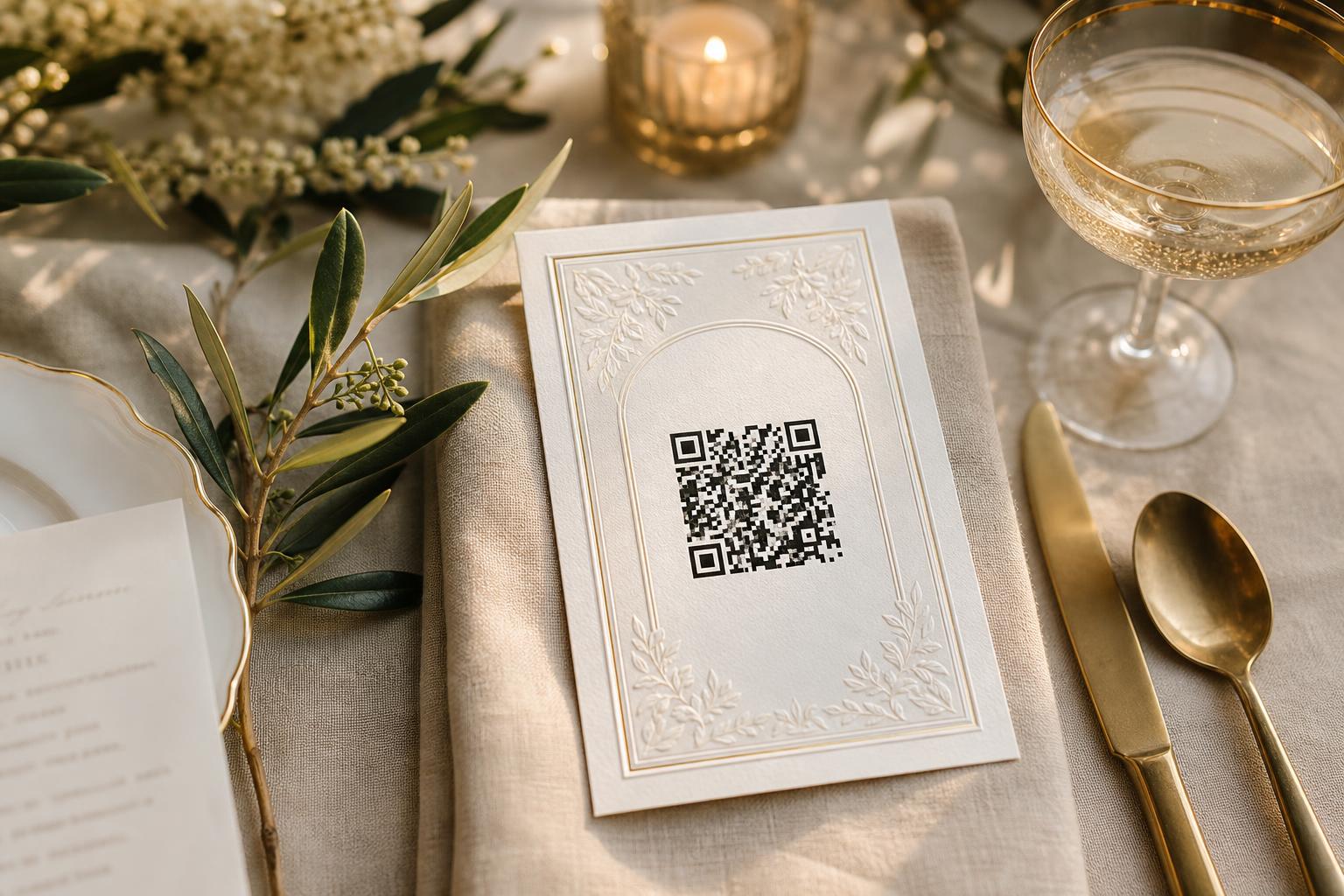
Your QR signage
Printable templates in your own wording, ready before the invitations go out.
For every guest
Scan. Choose. Share. Done.
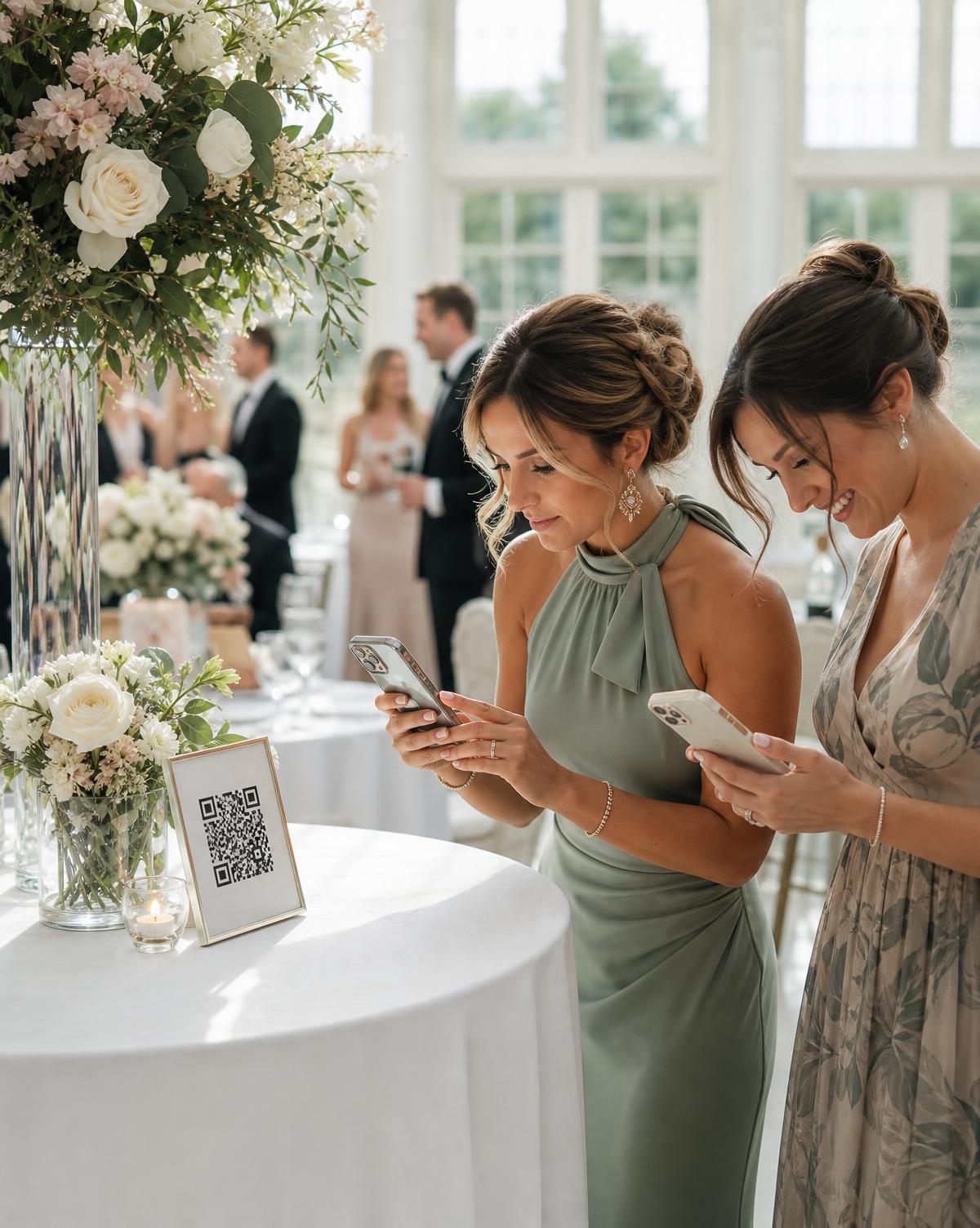
Guests use the camera already in their hand. There is nothing to install, no account to create and no password to remember.
- 01
They take a photo
A candid table moment, another view of the ceremony, or the middle of the dance floor.
- 02
They scan your QR code
The event opens in their normal mobile browser, branded with your names and your photograph.
- 03
They choose photos or video
Guests select from their camera roll, add their name and choose the chapter where relevant.
- 04
The upload joins your event
It enters your private collection, waits for approval, or appears in the Living Gallery — according to the visibility you chose.
Shared
3 photos and 1 video added to The Ceremony
New to QR signage? Read the wedding photo QR code guide.
As the day unfolds
Every new perspective becomes part of the story.
While guests carry on celebrating, Confetti Frame organises what they share. You collect every upload privately — and Live Celebration can also let guests explore the evolving Living Gallery from their own phones.
Ceremony
Confetti
Golden hour
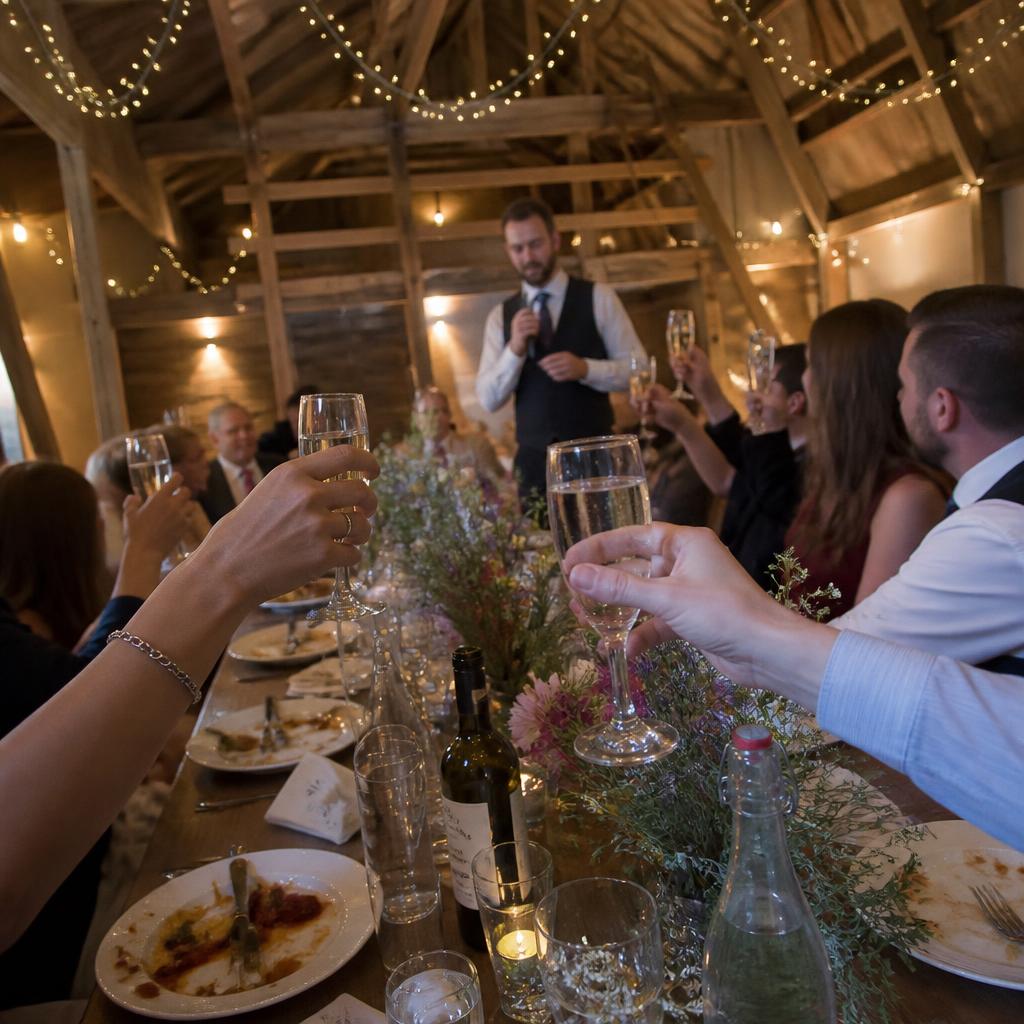
Speeches
First dance
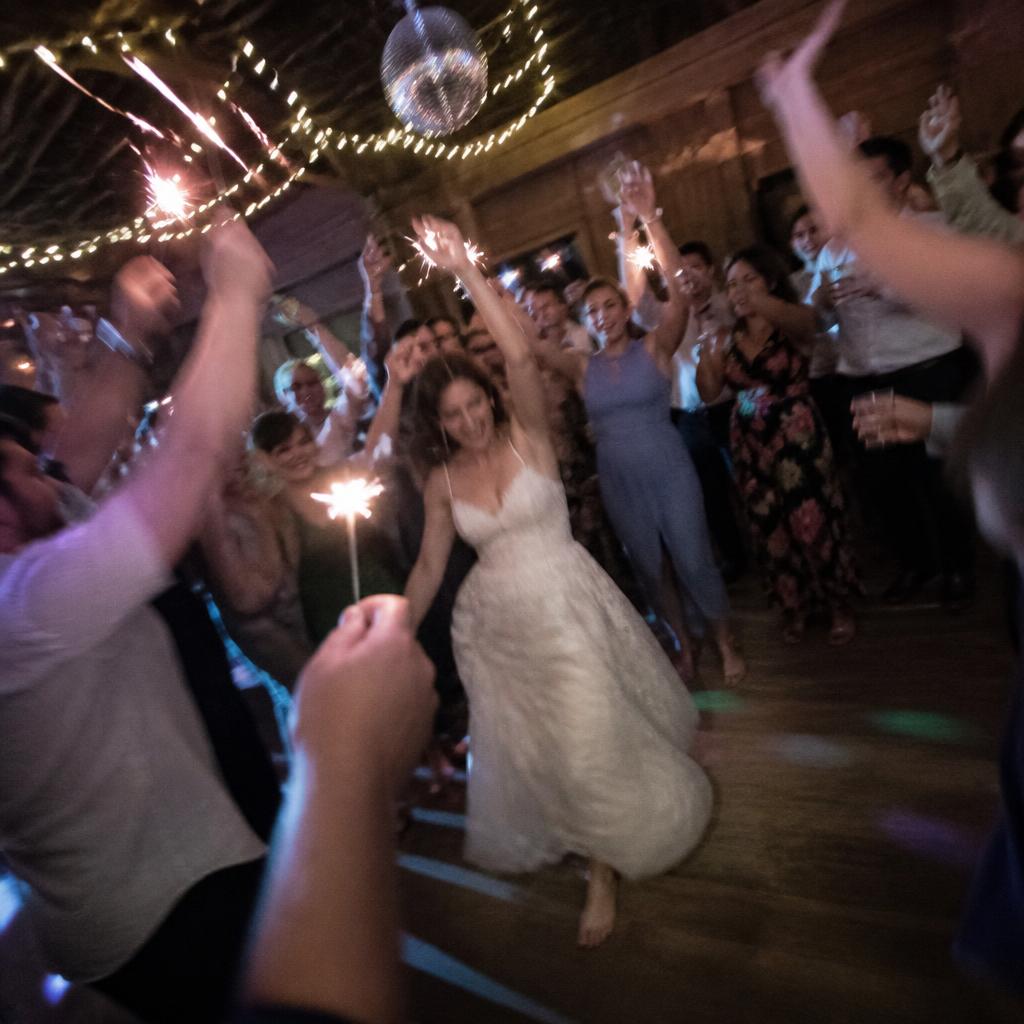
After party
Phones firstGuests explore the gallery from wherever they're sitting. A venue screen is an optional extra, never a requirement.
Not a slideshowIt's an evolving gallery you can filter by chapter or by recency — not a fixed loop prepared the night before.
Arrives when readyNew uploads appear once processing finishes, or once you've approved them if you're running approvals.
Explore the Live Photo Wall — the Living Gallery is part of Live Celebration, not Private Vault.
You decide what guests see
Live never has to mean uncontrolled.
Three settings, switchable at any point during the day. Approvals give you the most control; Instant share gives you the most immediacy.
Private vault
Guest uploads are collected for you, and no shared gallery is shown to anyone at the wedding.
Approved & social
Uploads wait in your private Curate view until you — or whoever you've asked to help — approves them.
Instant share
Uploads join the shared gallery once processing finishes. The fastest, most spontaneous option; anything can still be hidden afterwards.
Switching mid-event is safe. Before a change applies, we show you exactly how many existing uploads it will reveal or hide — and hiding a photo never deletes it.
A day in the life
Every chapter, gathered as it happens.
No one person sees the whole wedding. The finished collection brings all those perspectives together, in the order the day happened.
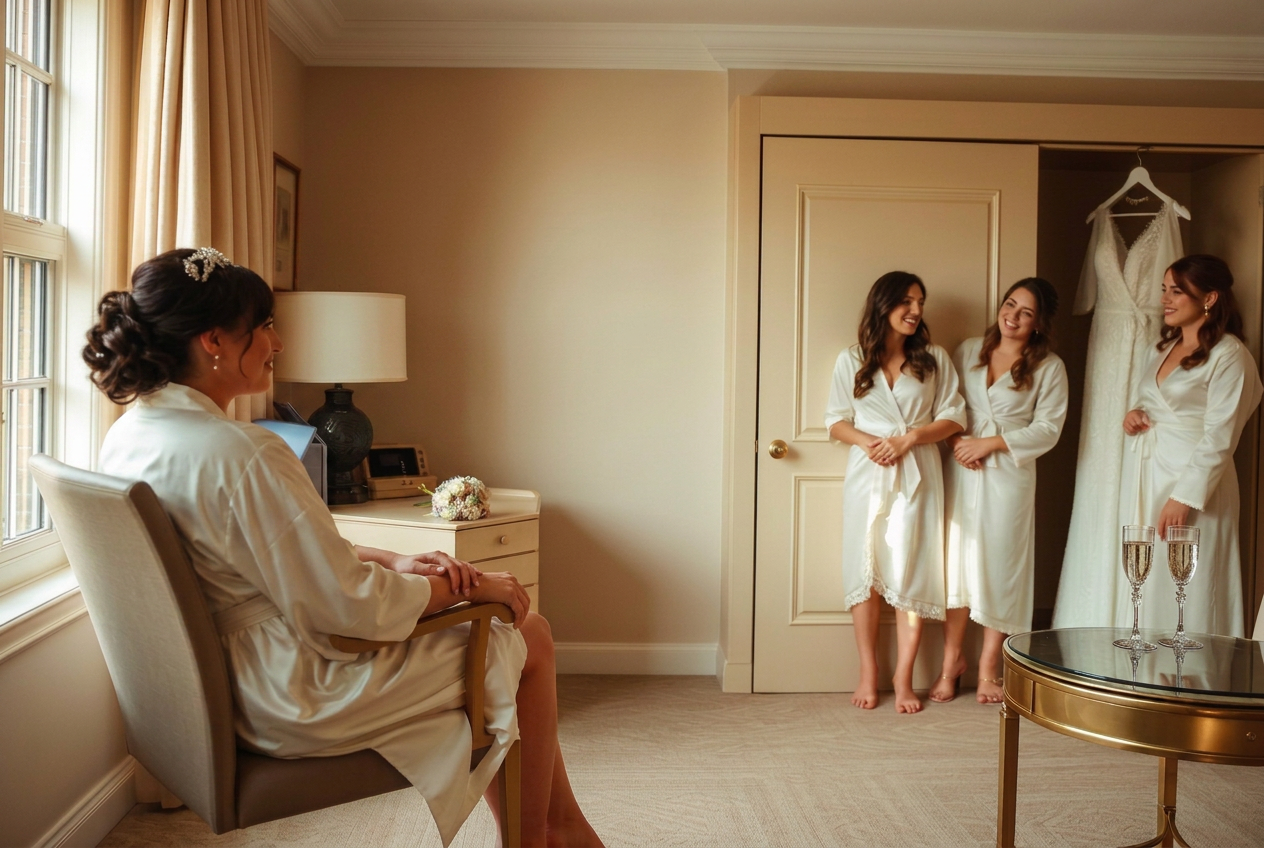
Morning
Getting Ready
Bridesmaids capture the dress, the makeup chair, the nervous laughter.

Midday
The Ceremony
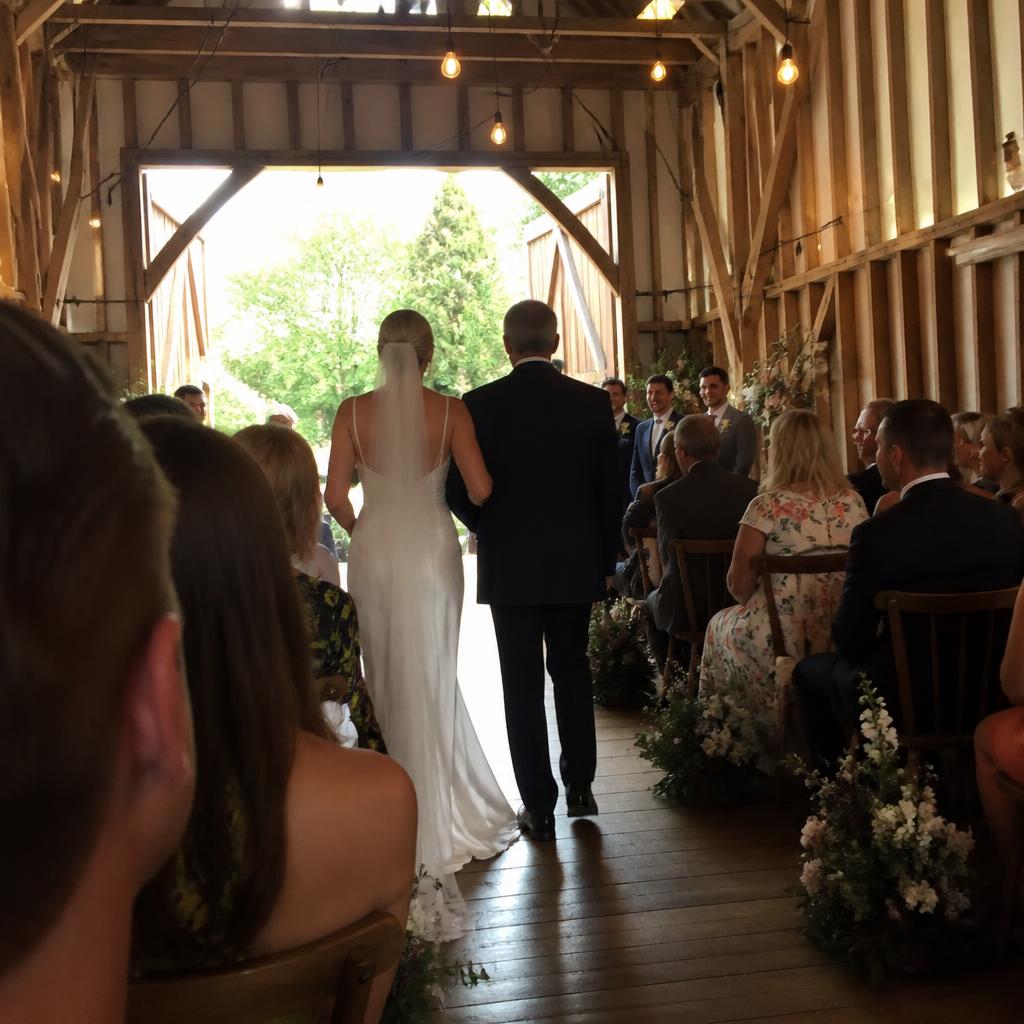
Phones lift. The first kiss is captured from twenty-eight different angles.
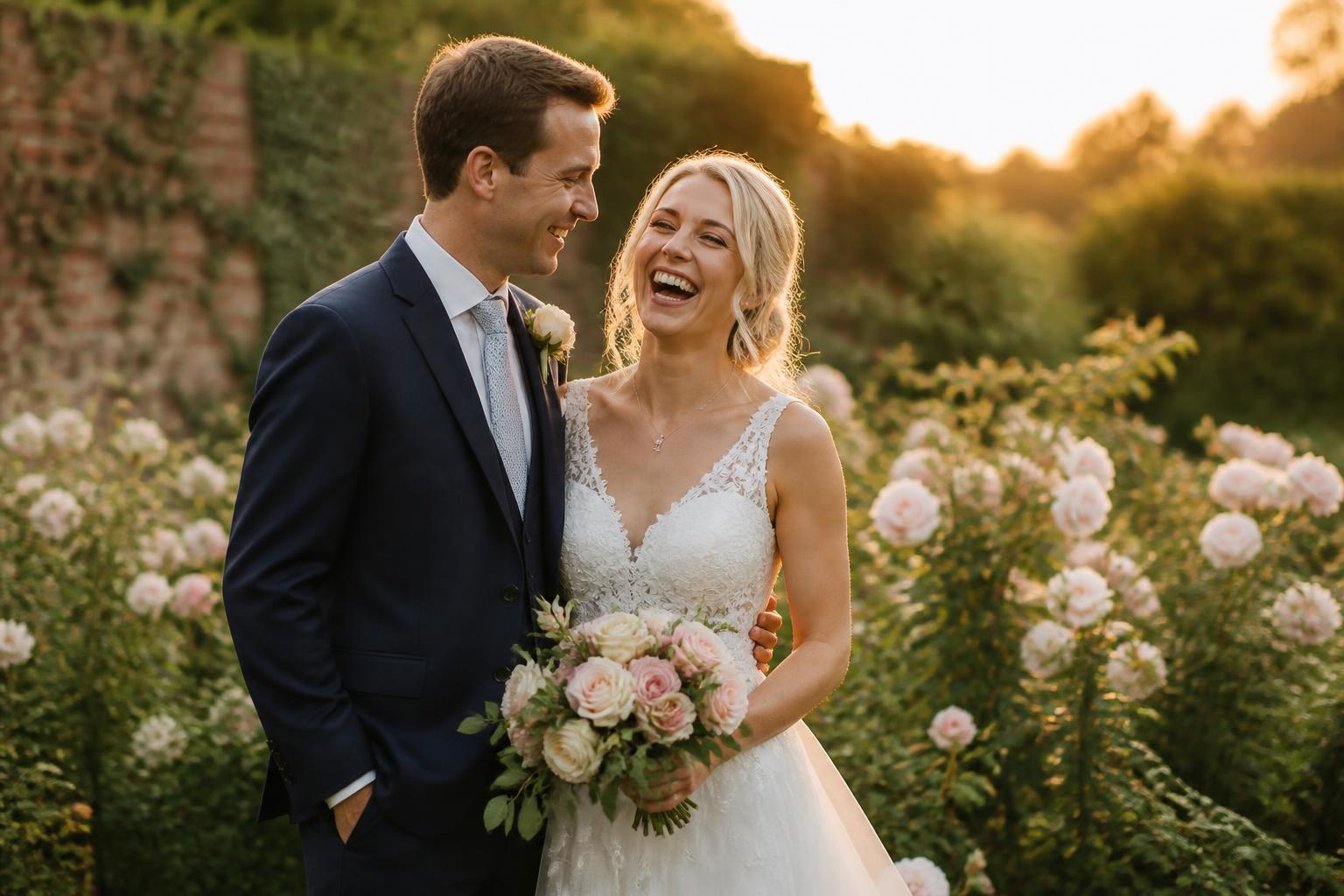
Afternoon
Golden Hour
Cocktails on the lawn. The candid moments your photographer is too far away to catch.

Evening
Reception
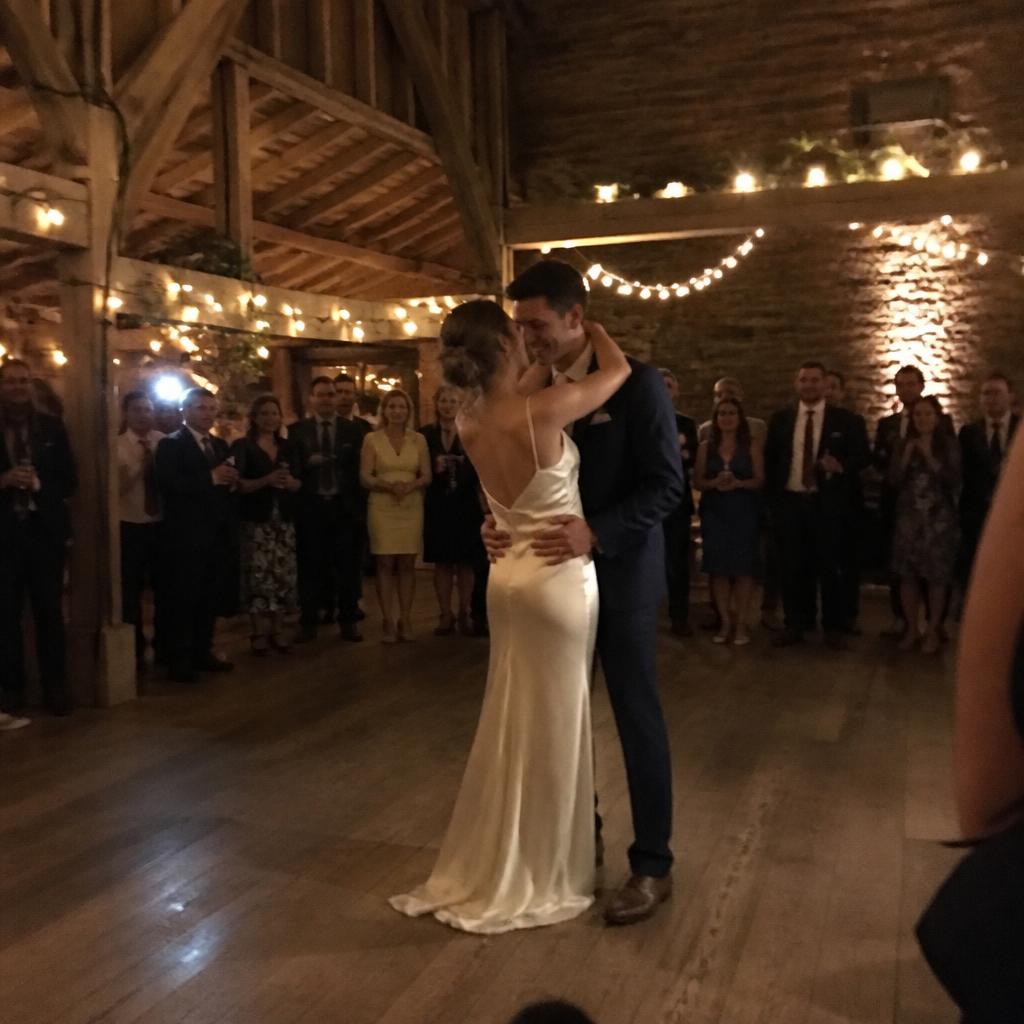
Speeches, tears and the first dance. Photos from around the room begin finding their way into the gallery.

Late
After Party
Ties undone, shoes off. The moments only the people who stayed will remember.
After the last dance
The live day becomes the album you keep.
Nothing needs exporting or chasing. Everything guests shared is already in one place, organised by the chapters of your day.
Your gallery
Download all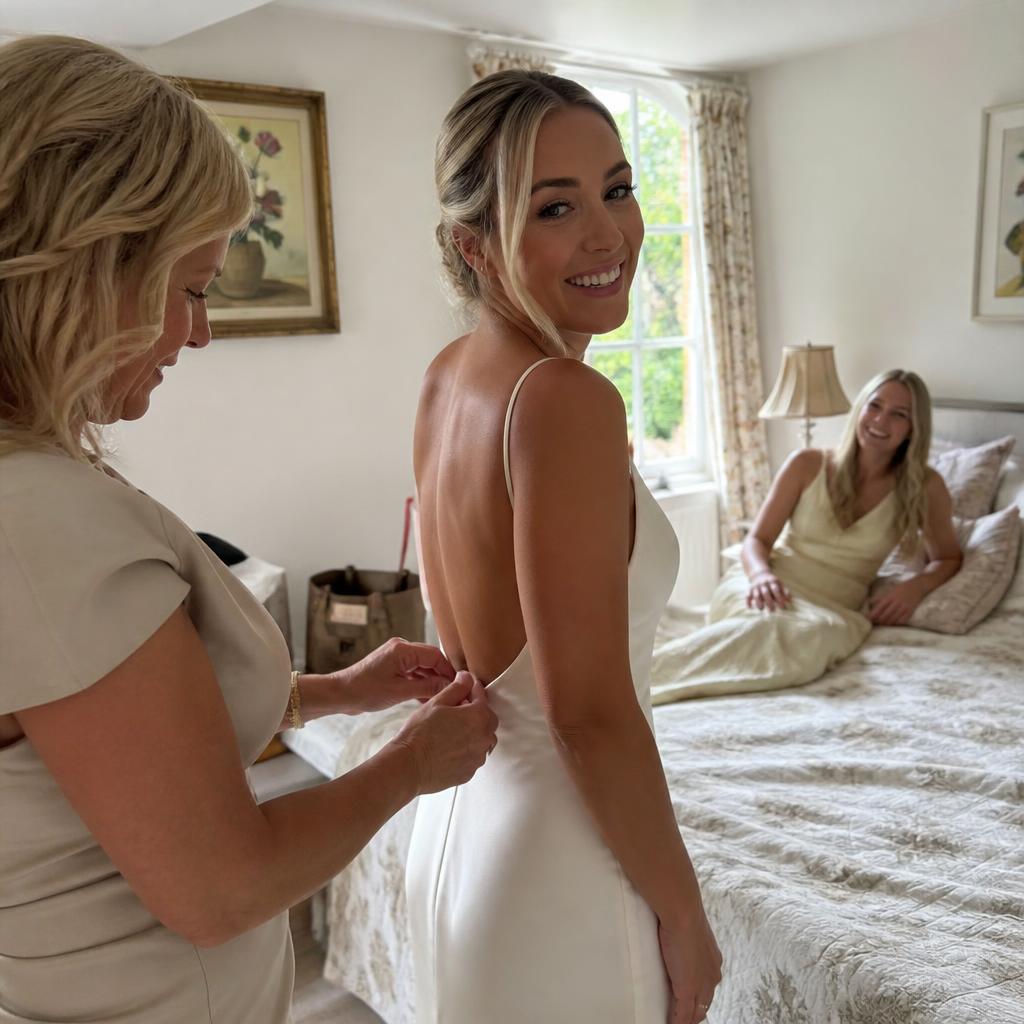
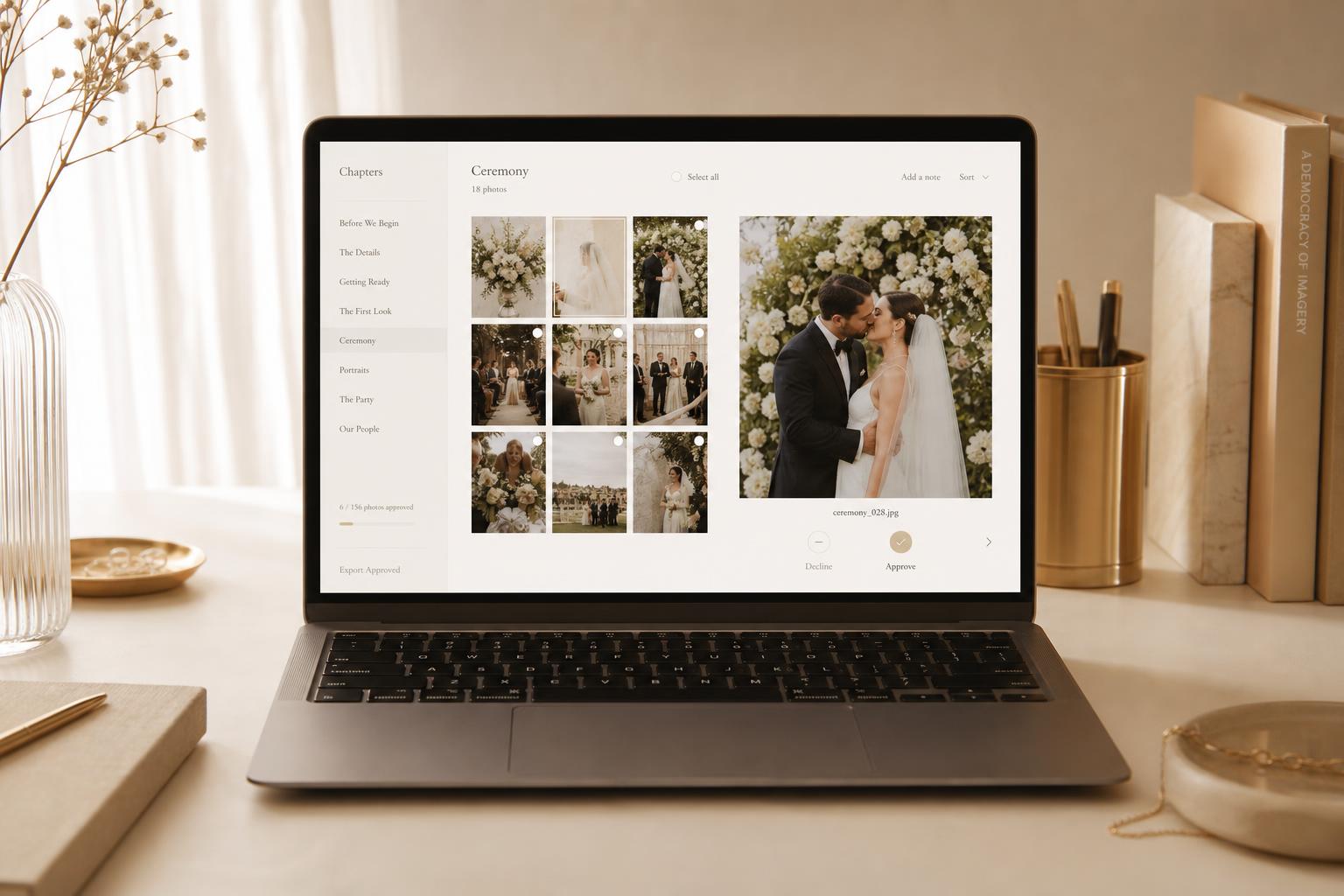
An illustration of the couple's gallery after the wedding: chapter filters, a grid of guest uploads and a download-everything option.
- Browse everything by chapter
- Approve, hide or reorganise uploads
- Download individual originals
- Download the complete archive as a ZIP
- Photos and videos stay at their uploaded quality
- Your archive period follows the package you chose
Private Vault £39
A private collection of everything guests captured, with a shorter archive period. No shared gallery on the day.
Live Celebration £79
Everything in Private Vault, plus the Living Gallery, interactive features and a longer archive period with expiry reminders.
- No app for guests
- No guest accounts
- Unlimited uploads within your event's rules
- Full-quality originals
- Private, unguessable event link
- One-time payment, full archive download
Questions couples ask
How it works — your questions
Your event starts here
Ready before the invitations go out. Working quietly until the last photo arrives.
Create and personalise your event for free. Pay only when you're ready to open the QR code to your guests.
One payment per wedding · No subscription · No app for guests