The Living Gallery · Live Celebration
See your wedding through everyone else's eyes
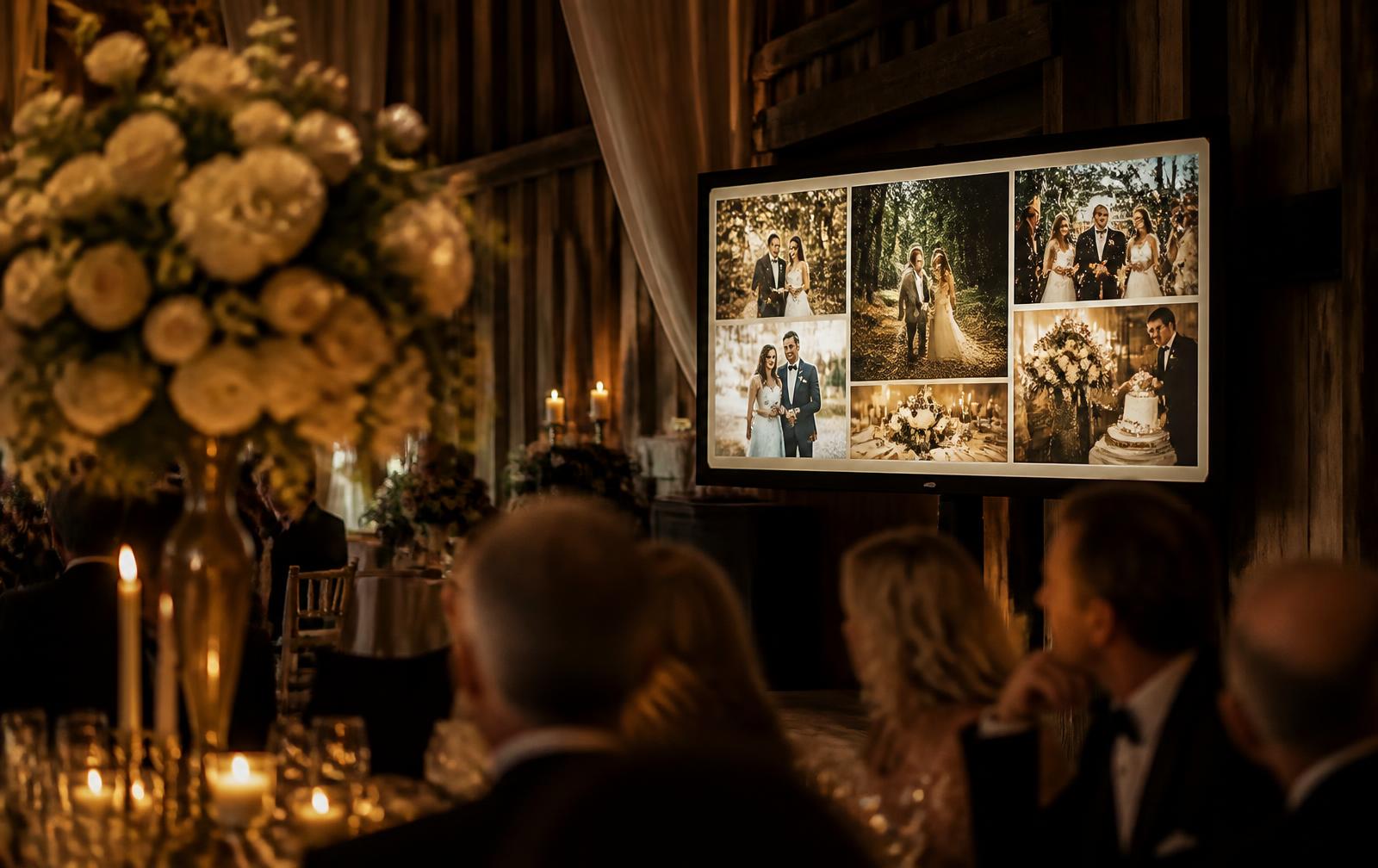
The Living Gallery is a live wedding photo feed built by your guests. As they upload, the gallery grows through the day — there to explore on everyone's own phone, and ready to put on a screen at the venue as a live wedding photo wall if you'd like one.
One payment per wedding · No guest app · Phones first, screen optional
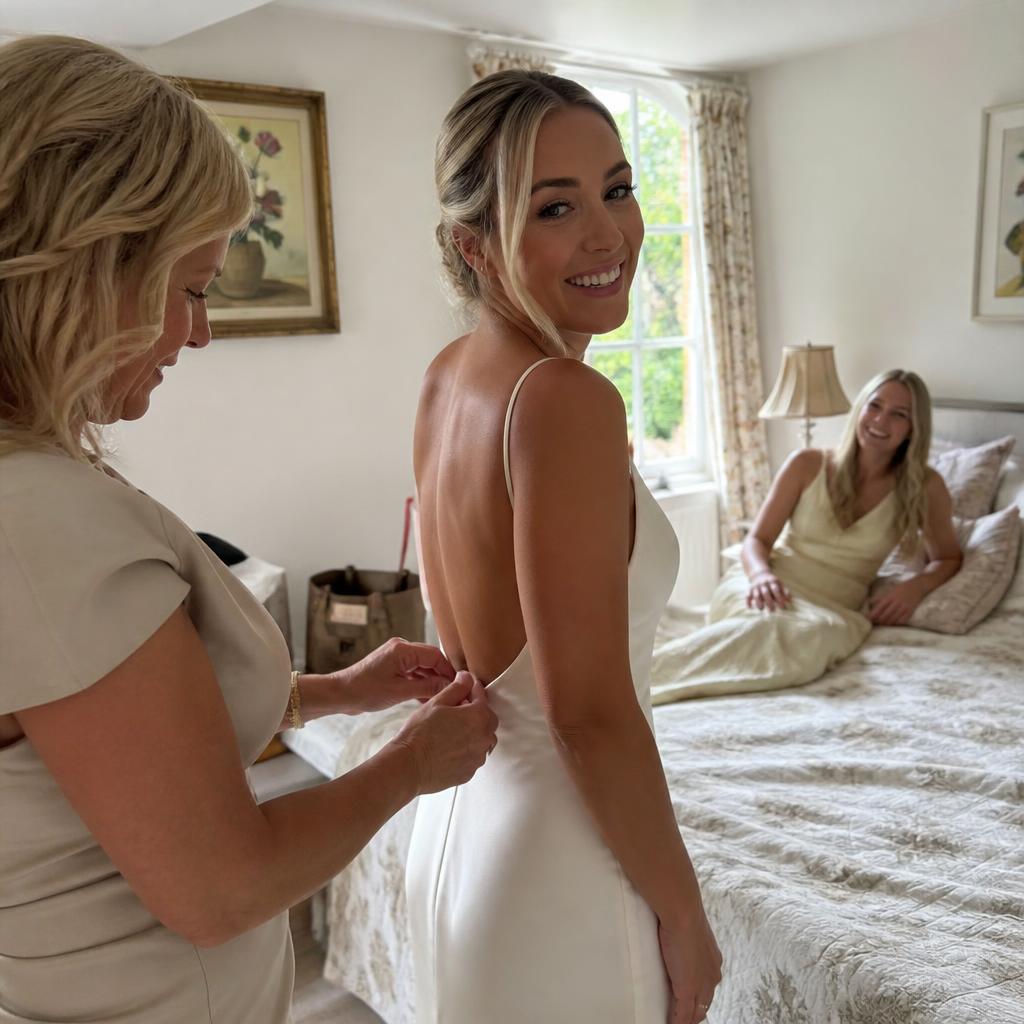
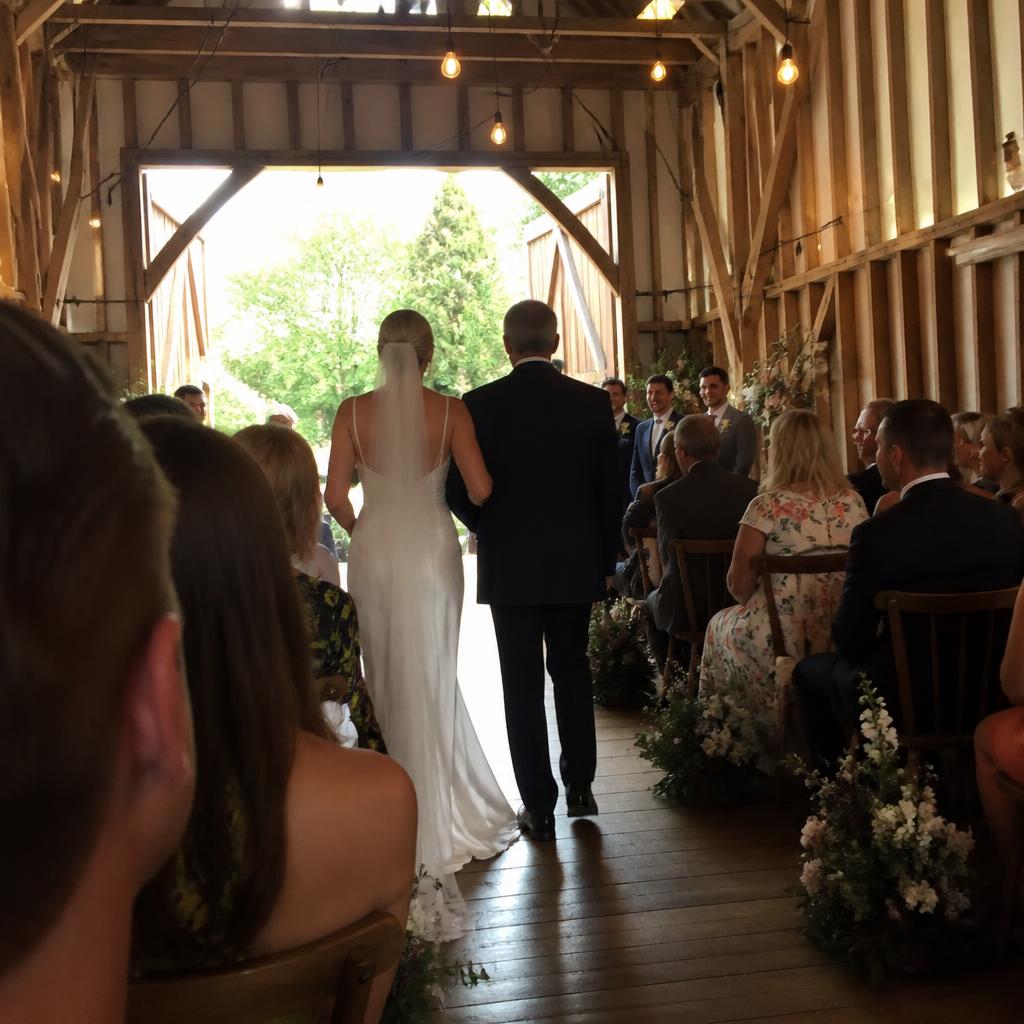
An illustration of the shared gallery: guest photos arrive one after another, each showing the guest's name and how many lovehearts it has received.
How the feed fills up
From a guest's phone to everyone's
Four steps, none of which ask anything of your guests beyond pointing a camera at a card.
- 01
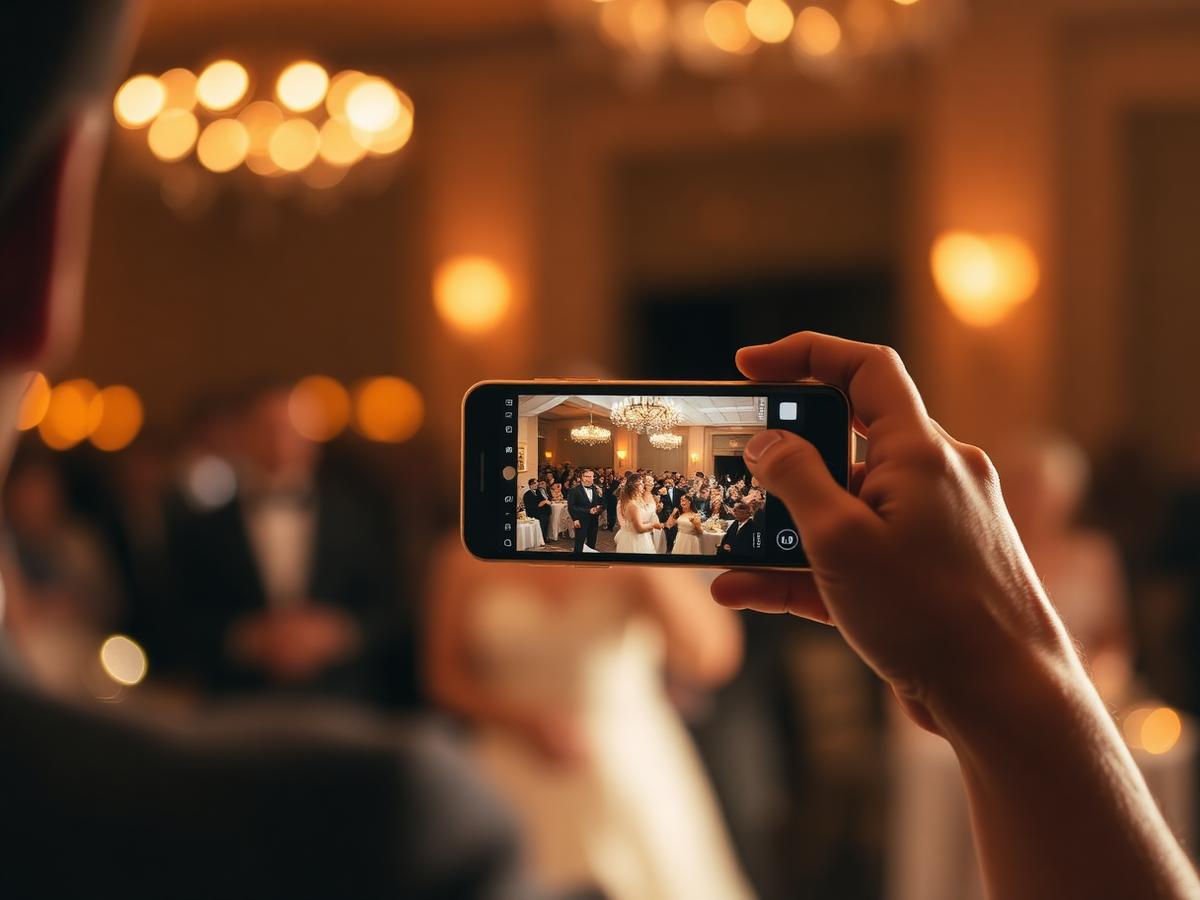
A guest takes a photo
Somewhere you aren't — the back of the ceremony, the table you never reached, the corner of the dance floor at midnight.
- 02
They scan your QR code
On the table card, the bar sign or the order of service. It opens your upload page in their browser, branded with your names. No app, no login.
- 03
They upload in a few taps
Photos and video, straight from the camera roll, at full quality. They can add their name and pick the chapter of the day it belongs to.
- 04
It joins the Living Gallery
Instantly, or the moment it's approved — your choice. Every guest can open the feed on their own phone and find it there, and any screen you've set up shows the same gallery.
New to QR signage? Read the guide to QR codes for wedding photos or see how it works end to end.
The Living Gallery
A live wedding photo feed, built by your guests
The Living Gallery is the shared feed of everything your guests upload. It's made for their phones first — and the same gallery can be sized up for a screen at the venue whenever you want the whole room to see it.
It fills as the day happens
The gallery isn't built the night before. Photos join as guests upload them, so by the speeches there's already a morning, a ceremony and an hour you never saw.
Everyone can follow it on their phone
One link, opened in any mobile browser. Guests don't gather around a screen — they explore the day from wherever they're sitting.
Organised by chapter
Getting ready, ceremony, reception, first dance, after party — your own chapters. Guests tag as they upload, so the day reads in order instead of as one endless scroll.
Loveheart reactions
A quiet tap of a heart on any photo, and a Top view surfaces the moments the room loved most. Lightweight, private to your wedding, nothing to sign up for.
Everything is curated by you
A private Curate view holds every upload. Approve, hide or re-approve at any point — nothing is ever deleted by hiding it.
Photos and video, full quality
Guests can share video as well as stills, and originals are kept as uploaded rather than compressed into previews.
See the full feature set on the features page.
An optional extra
Turn your Living Gallery into a live photo wall
Guests already have the feed in their hands. If your venue has a screen, the same gallery can go up on it — a nice addition, never a requirement. It's a web page, so anything with a browser and a connection can show it.
A venue television
Most reception rooms have one. Connect a laptop by HDMI, open the gallery, and put the browser into full screen.
A projector
The most cinematic option, and the one that changes the mood of a room. Same setup: a laptop and a cable.
A laptop on a side table
Quietly effective near the bar or the guest book, where people gather anyway.
A tablet on a stand
Low effort, no cables. Good for a welcome table or a corner of the room.
Your guests' own phones
The primary experience, and the one that needs nothing at all: the gallery link works in any mobile browser, so guests browse from their seats.
Worth being clear: no screen is needed for Live Celebration — the feed lives on your guests' phones. If you do want a display, there's no smart-TV app, Chromecast or AirPlay integration, and we don't plug into venue AV systems: you need a device with a browser and, for a TV or projector, a cable.
Why it changes the day
Guests start seeing the parts of your wedding they missed
No one at a wedding sees the whole wedding. The people at table nine never saw the morning. The friends who arrived for the evening missed the vows. You, more than anyone, will spend the day two rooms away from most of it.
The Living Gallery closes that gap while everyone is still together. The getting-ready photos arrive during the starter. Someone's shot from the back of the ceremony shows the whole aisle. A guest at another table opens the feed between courses and finds an hour of the day they weren't part of.
It also does something quieter: it tells guests their photos matter. People who'd never post to a hashtag will upload when they can see their picture join the room a minute later.
- ✦The morning you weren't in the room for
- ✦The ceremony from four different angles
- ✦Table moments, before anyone tidies up
- ✦The dance floor, from inside it
- ✦Candid reactions during the speeches
- ✦The end of the night, from whoever was still standing
Your control
Live doesn't mean uncontrolled
The obvious worry about a live guest feed is the one photo you'd rather nobody saw. Three settings, switchable at any point during the day.
Approve first
Uploads land in your private Curate view and nothing reaches the shared feed until it's approved. This is the setting most couples run — and it's easily delegated to a bridesmaid or best man with a phone.
Instant share
Every upload joins the shared gallery the moment it finishes uploading. Fastest and most spontaneous. You can still hide anything afterwards.
Private gallery
No shared feed at all. Guests can still upload, but everything goes only to you. Useful if you want the archive without the live experience.
Switching mid-event is safe. Before a change applies we show you exactly how many photos it will reveal or hide, and hiding a photo never deletes it — it goes back to pending and you can re-approve it whenever you like.
An honest comparison
Traditional slideshow vs Living Gallery
A prepared slideshow is a lovely thing and plenty of weddings should have one. They just do different jobs — and there's no reason not to have both.
A traditional slideshow
- Built in advance, from photos you've chosen
- Predictable — you know precisely what appears
- Perfect for childhood photos and the story of how you met
- Fixed once the wedding starts
- Usually shown as a set piece, often during the meal
The Living Gallery
- Built by your guests, during the day itself
- Grows hour by hour, organised by chapter
- Shows the day from angles no single camera can reach
- Curated by you — approve before anything shows
- Keeps going as an archive long after the last dance
Choosing a plan
Private Vault or Live Celebration
The Private Vault
£39one payment
For couples who mainly want a private, organised archive of everything guests captured — and an unplugged room on the day.
- Unlimited guest uploads at full quality
- Private gallery, curated by you
- 3-month archive, ZIP download of everything
- No shared live feed on the day
The Live Celebration
£79one payment
For couples who want guest photos to become part of the celebration itself — a live feed everyone can explore on their own phone, and a photo wall in the room if you'd like one.
- Everything in Private Vault
- The Living Gallery — the live shared feed
- Loveheart reactions and custom chapters
- 12-month archive, with expiry reminders
After the last dance
The Living Gallery becomes your album
It stays online
Your gallery keeps working after the wedding, organised by the same chapters, for twelve months on Live Celebration — three on Private Vault.
You download the originals
Individual files at full resolution, or the entire archive as one ZIP whenever you're ready. What guests uploaded is what you get.
We warn you before it closes
Reminder emails go out thirty days and seven days before your archive period ends, so nothing disappears quietly. You can extend if you need longer.
More on sharing afterwards in the shared wedding photo album guide.
Questions couples ask
Live wedding photo feed & photo wall FAQs
- Do guests need to download an app?
- No. Guests scan your QR code with their phone camera, the upload page opens in their browser, and they choose photos or videos from their camera roll. There is nothing to install and no account to create.
- Do we need a TV or projector to use Live Celebration?
- Not at all. The Living Gallery is designed for phones first — guests open one link and explore the feed from wherever they're sitting. A venue television or projector is an optional extra way to show the same gallery to the whole room.
- How soon do photos join the Living Gallery?
- In Instant share mode, a photo joins the feed as soon as its upload finishes and the gallery refreshes within seconds. In Approve-first mode, it appears once you or whoever you've asked to help taps approve. Large videos take longer to upload than photos, so allow a little more time for those.
- Can we moderate what guests see?
- Yes. Approve-first is the default behaviour for the shared feed: nothing reaches other guests until it's approved. You can switch between Approve-first, Instant share and a fully private gallery at any point during the day, and before the switch applies we show you exactly how many existing photos it will reveal or hide.
- Can we display it on a projector or venue TV?
- Yes, if you'd like to. The gallery is a normal web page, so anything with a browser can show it — a laptop plugged into a projector or TV via HDMI, a tablet on a stand, or a screen the venue already has. There is no smart-TV app, Chromecast or AirPlay integration, so plan for a device and a cable.
- Does it work on venue Wi-Fi or mobile data?
- Both. Guests upload and browse over whatever connection their phone has, and any display device needs its own connection to refresh. Rural venues are the one thing worth testing in advance — if signal is weak, uploads still queue and complete, they just take longer to arrive.
- Can guests upload videos as well as photos?
- Yes. Guests can share video as well as photos, and video plays back in the gallery. Uploads keep their original quality rather than being crushed down to a preview.
- Can we turn the live gallery off?
- At any time. Switching the gallery to private hides the shared feed from guests immediately while their uploads stay safely with you. Some couples keep the feed open through the reception and close it before the speeches.
- What happens to the photos after the wedding?
- Everything guests shared stays in your gallery, organised by chapter, for the length of your archive — twelve months on Live Celebration. You can browse it, curate it, download individual files at full resolution, or take the whole thing as a single ZIP. We email you thirty days and seven days before the archive closes.
Live Celebration · £79 one payment
Let everyone see the day as it comes together
Create your event, print your QR cards, test the scan. You only pay when you're ready to go live — and everything guests share is yours for twelve months afterwards.
Prefer the quiet version? See how Confetti Frame works for any wedding.