Guide · 9 min read
Shared Wedding Photo Album: How to Create One Every Guest Can Add To
Many guests. Many phones. One wedding story. The hard part isn't that people don't take photos at weddings — it's that the photos end up in eighty different places, and no single person ever sees more than a fraction of them.
This guide explains what a shared wedding photo album actually is, compares the four realistic ways to run one, and gives you a checklist for judging any service before you hand it your wedding.
What is a shared wedding photo album?
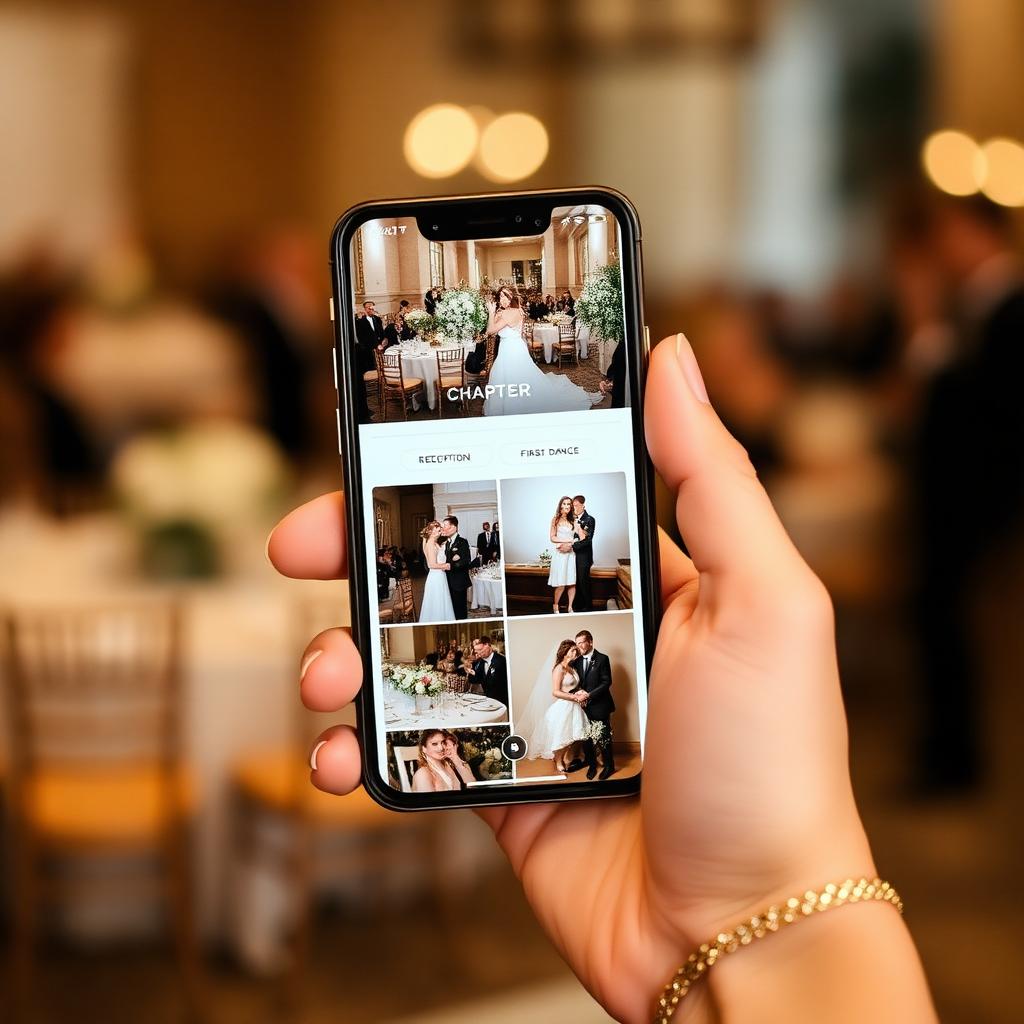
A shared wedding photo album is one destination that more than one person can add photos and video to. Instead of each guest keeping their own camera roll, everyone contributes to a single collection that the couple owns and can download.
Three things separate a shared album from an ordinary one: multiple contributors, a single access route (a link or QR code), and a set of rules about who can see what. Everything else — chapters, moderation, resolution, storage length — is a design decision made by whichever tool you choose, and those decisions are what this guide compares.
The problem with scattered wedding photos
Nobody plans for their wedding photos to scatter. It happens because each guest uses whatever is nearest to hand in the moment:
- The family WhatsApp group — three photos on the night, then buried under two hundred messages by the weekend.
- Individual phones — the largest single archive of your wedding, and the one you will never see, because nobody exports a camera roll unprompted.
- AirDrop — brilliant in the moment, iPhone-only, and only ever between two people standing near each other.
- Social posts — compressed, cropped, captioned, and hosted by a platform that decides how long it keeps them.
- Google Drive links — sent to the couple, then lost in an inbox that is already full of supplier emails.
- Messages days later — "I've got loads, remind me to send them", which is where most guest footage goes to die.
The result is predictable: the professional gallery arrives six weeks later and is beautiful, and the guest-eye version of the day — the balcony view of the first dance, the kids' table at nine o'clock, the after-party nobody told you about — mostly never arrives at all.
What should a good shared wedding album do?
Before comparing tools, decide which of these actually matter to you. Few tools do all of them.
- Mixed-device compatibility
- Roughly half your guest list is on Android and half on iPhone. Anything that assumes one ecosystem excludes the other half.
- Low guest friction
- Count the taps between "I want to share this" and "it's shared". Every account creation, app install or permission prompt loses people.
- Photo and video support
- Video is where guest footage is most valuable and most often lost — it's the format messaging apps compress hardest.
- Privacy
- Who can view the album? Can strangers with the link see it? Can a guest see other guests' uploads before you've looked at them?
- Organisation
- Four thousand files in upload order is an archive you'll never revisit. Structure is what makes it usable in ten years.
- Ability to download
- You should be able to take the whole thing away as original files, not screenshots or re-compressed copies.
- Ability to moderate
- Someone will upload a blurred thumb, a bin bag, or a photo of your uncle mid-sneeze. You want a way to decide what's public.
- No forced app or account
- The single biggest predictor of whether older guests take part.
The four real options, compared fairly
Option 1 — Google Photos shared album
A Google Photos album can be shared with a link, and collaborators can add their own photos. It's free within your Google storage allowance, works on both Android and iPhone, and the interface is familiar to a huge number of people.
The friction is the Google account. To contribute rather than just view, a guest generally needs to be signed in, and plenty of people are signed into an account that isn't the one they want to use, or have no account at all. Uploads also count against the album owner's storage quota, there's no concept of chapters beyond dates, and there is no approval step — anything a guest adds is immediately visible to everyone else with the link. It's a sensible choice for a small wedding where you know your guests are comfortable with Google. There's a fuller breakdown in our Google Photos comparison.
Option 2 — iCloud Shared Albums
If your guest list is genuinely all-Apple, iCloud Shared Albums are hard to beat for simplicity: contributing is a couple of taps from the photo app people already use, and it costs nothing extra.
The two catches are ecosystem and quality. Android guests can view a shared album via a public web link but cannot contribute to it, which excludes a large slice of most guest lists. Apple also optimises shared album media rather than storing your originals — photos are resized and video is capped in length and resolution — so it's a poor archive format even when it's a good sharing one. There's no moderation queue either.
Option 3 — WhatsApp group
WhatsApp's advantage is real and shouldn't be dismissed: the group already exists, everyone is already in it, and there is nothing to learn. For a thirty-person family wedding it may genuinely be enough.
But WhatsApp is a conversation, not an archive. Media is compressed by default (sending as a document preserves quality, and almost nobody does), photos are interleaved with chat, older media expires from devices, and exporting a group chat into an organised album is a manual afternoon's work. There's no moderation and no structure.
Option 4 — A dedicated wedding photo gallery
Dedicated wedding galleries exist because the three options above were built for other jobs. The dedicated approach is: the couple creates an event, the service generates a link and QR code, guests open it in their normal phone browser, upload, and the files land in one gallery that the couple owns, organised the way a wedding day is actually structured.
What you're buying is the removal of the guest account, the preservation of original files, structure, and a moderation layer. What you're paying is money — these are typically a one-off fee per wedding — and you're trusting a smaller company with your files for a defined period. That trade-off is the whole decision, and the privacy checklist below is how to judge it.
| Criterion | Google Photos | iCloud | Dedicated gallery | |
|---|---|---|---|---|
| Works on iPhone and Android | Yes | View only on Android | Yes | Yes |
| Guest account needed | Google account to contribute | Apple ID | WhatsApp account | None — browser upload |
| Keeps original quality | Yes, uses your storage | No — media optimised | No, unless sent as a file | Yes, files stored as uploaded |
| Organisation | Date order | Date order | Mixed into chat | Chapters of the day |
| Approve before public | No | No | No | Yes |
| Bulk download | Yes | Manual | Manual | Yes, full archive |
| Cost | Free within quota | Free with iCloud | Free | One-off fee per wedding |
| Storage window | As long as your account | As long as your account | Device dependent | Fixed window — check before buying |
Works on iPhone and Android
- Google Photos
- Yes
- iCloud
- View only on Android
- Yes
- Dedicated gallery
- Yes
Guest account needed
- Google Photos
- Google account to contribute
- iCloud
- Apple ID
- WhatsApp account
- Dedicated gallery
- None — browser upload
Keeps original quality
- Google Photos
- Yes, uses your storage
- iCloud
- No — media optimised
- No, unless sent as a file
- Dedicated gallery
- Yes, files stored as uploaded
Organisation
- Google Photos
- Date order
- iCloud
- Date order
- Mixed into chat
- Dedicated gallery
- Chapters of the day
Approve before public
- Google Photos
- No
- iCloud
- No
- No
- Dedicated gallery
- Yes
Bulk download
- Google Photos
- Yes
- iCloud
- Manual
- Manual
- Dedicated gallery
- Yes, full archive
Cost
- Google Photos
- Free within quota
- iCloud
- Free with iCloud
- Free
- Dedicated gallery
- One-off fee per wedding
Storage window
- Google Photos
- As long as your account
- iCloud
- As long as your account
- Device dependent
- Dedicated gallery
- Fixed window — check before buying
QR codes: the access mechanism, not the product
Every option above needs a way for guests to reach it on the day. A printed QR code is simply the most reliable one: modern iPhone and Android cameras read QR codes natively, so a card on the table turns into an open browser in about three seconds — no typing a long link, no relying on a slide that's already gone.
A QR code is a delivery mechanism for a URL, and nothing more. It doesn't determine whether guests need an account, whether your video keeps its resolution, or who can see what — the album behind it decides all of that. If you want the practical detail on generating one, print sizing and where to place cards, that's covered properly in the wedding photo QR code guide.
Organising the album by chapter, not by clock
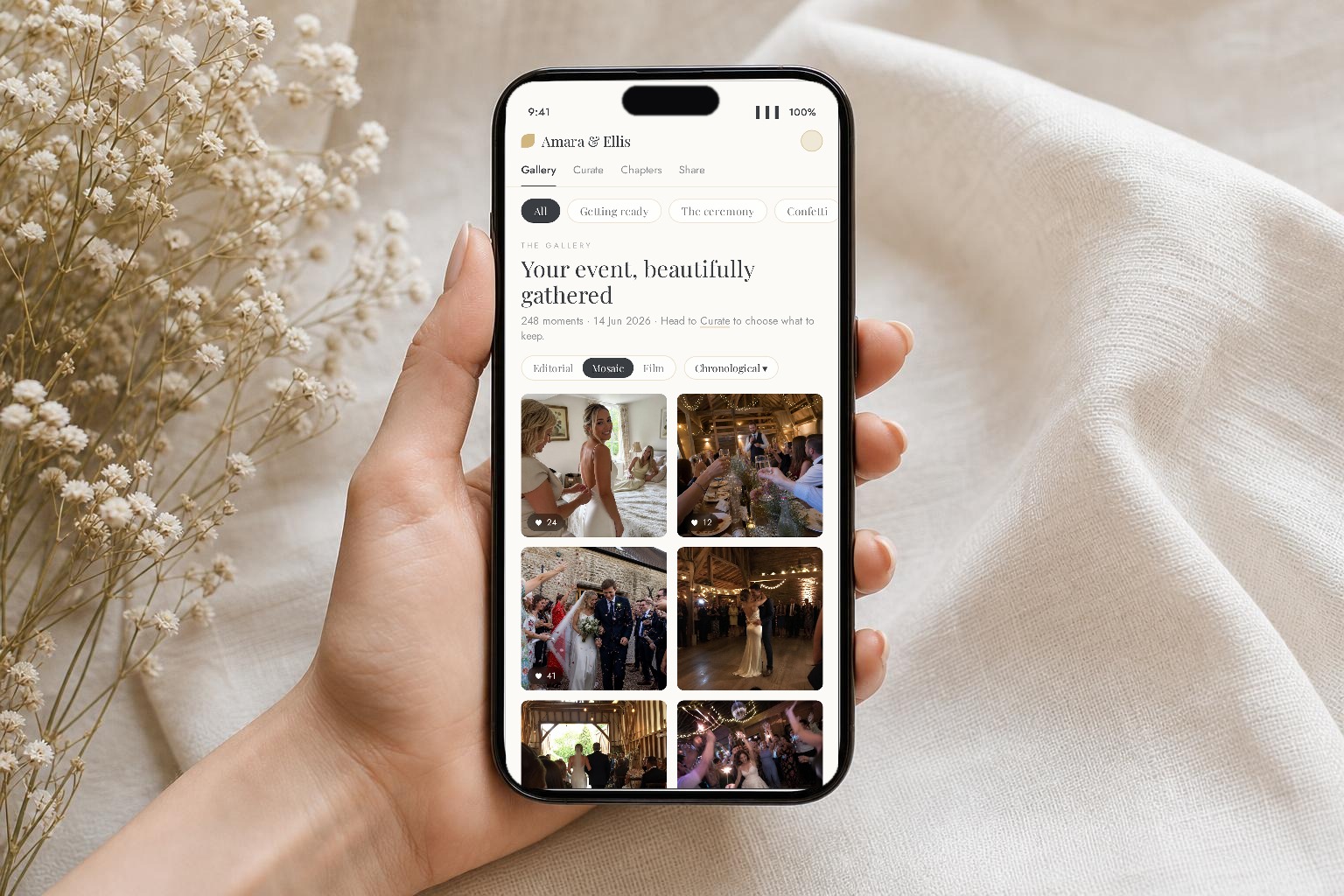
A chronological dump sounds like it should be enough — the files have timestamps, after all. In practice it isn't, for two reasons: guest phone clocks and time zones disagree, and nobody remembers a wedding by the hour. They remember it by moment.
Five chapters cover almost every wedding:
- Getting Ready — two rooms, two parallel stories, usually shot entirely by the wedding party.
- Ceremony — the angles your photographer physically cannot occupy, from row four.
- Golden Hour — drinks, group shots, the light everyone photographs without being asked.
- Reception — speeches, the meal, the reaction shots that matter more than the speaker.
- After Party — the least documented and most-loved part of the archive.
Asking guests to pick a chapter at upload does two useful things. It makes the archive navigable in two taps a decade later, and it makes the ask specific — "upload your photos from the speeches" prompts more action than "upload your photos". Our guide on collecting photos from guests goes deeper on the prompting side.
Privacy and access: a checklist for judging any service
Run any shared album option — including ours — through these eight questions:
- Is the gallery public to anyone with the link, or is access restricted?
- Can you choose whether guests see each other's uploads at all?
- Is there an approval step before anything appears publicly?
- Can you remove a photo permanently, and does that include any cached copies?
- Are your original files stored, or a re-compressed version?
- How long are files kept, and what happens at the end of that window?
- Can you export everything at once, as originals?
- Does the provider state what it does with your images — training, marketing, resale?
After the wedding: downloads, storage, backups, printing
Whatever you use to collect, treat it as a collection tool rather than a permanent home. The week after the honeymoon:
- Download everything as originals, not a web-optimised export. Check the file sizes look plausible — a 4K clip is hundreds of megabytes, not four.
- Keep two copies in two places, one of them offline. An external drive plus your existing cloud account is plenty.
- Merge with the professional gallery in one folder structure, keeping the chapter names, so the day reads as one story.
- Print early. Guest photos are typically shot at high resolution on modern phones and print well up to album size; the candid ones age better than the posed ones.
Where Confetti Frame fits
Confetti Frame is our own dedicated wedding gallery, and it exists because of the four criteria that the general-purpose tools each miss at least one of:
- Browser uploads, no guest account. Scan, upload, done — on any phone, either ecosystem.
- Chapters built into the upload flow, so the archive organises itself.
- Curation. You decide what becomes public; everything else stays in your private archive.
- Two modes. Private Vault keeps the gallery to you; Live Celebration adds a live photo wall guests can watch during the reception.
It's a one-off payment per wedding, with your files kept at upload resolution for a defined storage window (three months on Private Vault, twelve on Live Celebration) so you can download the full archive at your own pace — see pricing. If your guest list is small and entirely on one ecosystem, a free shared album may serve you perfectly well; where it stops working is mixed devices, video, structure and control.
Frequently asked questions
- How do we make one album that all our wedding guests can add to?
- Choose a destination that works on both iPhone and Android, share it with a single link or printed QR code, and ask guests on the day rather than afterwards. The options are a Google Photos shared album, an iCloud Shared Album if everyone is on Apple, a WhatsApp group for very small weddings, or a dedicated wedding gallery that guests upload to in their browser without an account.
- Can Android guests add photos to an iCloud Shared Album?
- No. Android and Windows users can view an iCloud Shared Album through a public web link, but contributing requires an Apple device signed in with an Apple ID. If your guest list is mixed, this rules iCloud out as your main collection method.
- Does WhatsApp reduce the quality of wedding photos?
- Yes, by default. Photos and videos sent normally in a chat are compressed. Sending a photo as a document preserves the original file, but very few guests know to do that, so in practice a WhatsApp group collects compressed copies.
- Should guests upload photos during the wedding or afterwards?
- During, wherever possible. Guests have their phones out anyway and the photos are top of the camera roll. Asking weeks later means competing with a full camera roll and a dead group chat, and participation drops sharply.
- Do guests need to download an app to use a shared wedding album?
- Not necessarily. Browser-based galleries open in the phone's normal browser from a QR code or link, with no install and no account. App-based wedding platforms do require a download, which is the main reason older guests drop out.
- How long should we keep the shared album open for uploads?
- Most uploads arrive on the day and in the following week. Leaving it open for a month catches the stragglers and anyone who was waiting to get home to Wi-Fi. Download your full archive once uploads have stopped, rather than relying on any service as permanent storage.
Start your shared album
Create your event, print the QR cards, and test the whole thing with a friend before you pay a penny.
See how Confetti Frame works