Buying guide · 9 min read
Best Wedding Photo App 2026: How to Pick (Without Reading 20 Reviews)
Google "best wedding photo app 2026" and you'll get the same fifteen products ranked in a slightly different order on every listicle. Most are scored on feature counts and star ratings. Neither tells you whether you'll end up with an album worth opening on your tenth anniversary. Here is the framework we use — and the answer it gives.
The four scoring criteria that actually matter
Ignore feature counts. Ignore "voted #1 on Wedding Wire" badges. Score on these four:
- Participation. Will your guests actually contribute? Anything that requires an app download loses the guests who won't install one; a QR-to-browser flow asks for nothing but the camera they already use.
- Resolution preserved. Is the photo you keep the same photo the guest took, or a compressed thumbnail? Full HEIC + 4K video, or don't bother.
- Organisation. Will the morning-after archive be in chapters of the day, or one chaotic feed of 1,800 files in upload order?
- Curation. Can you, the owner, control which photos go into the public gallery? Or does every guest's blurry attempt land in the same feed your in-laws scroll?
The categories of product on the market
Native cloud (Google Photos, iCloud shared albums)
Free. High friction (sign-in required). No chapters, no curation. Strong on resolution for the platform-matched half of your guest list, useless for the other half. Scores: 2/4.
Legacy wedding uploaders
Wedibox, Weduploader and similar. Strong on guest friction (QR-based), weak on chapters and curation. Solve collection, not organisation. Scores: 2.5/4.
App-led wedding apps
WedShoots and similar. Polished mobile experience. Install requirement is the participation cap. Scores: 2.5/4 (great UX, install gates everything).
POV / disposable camera apps
Aesthetic-driven. Limit shots per guest, require app install, compress output. Brilliant gimmick, not an archive. Scores: 1.5/4.
Confetti Frame
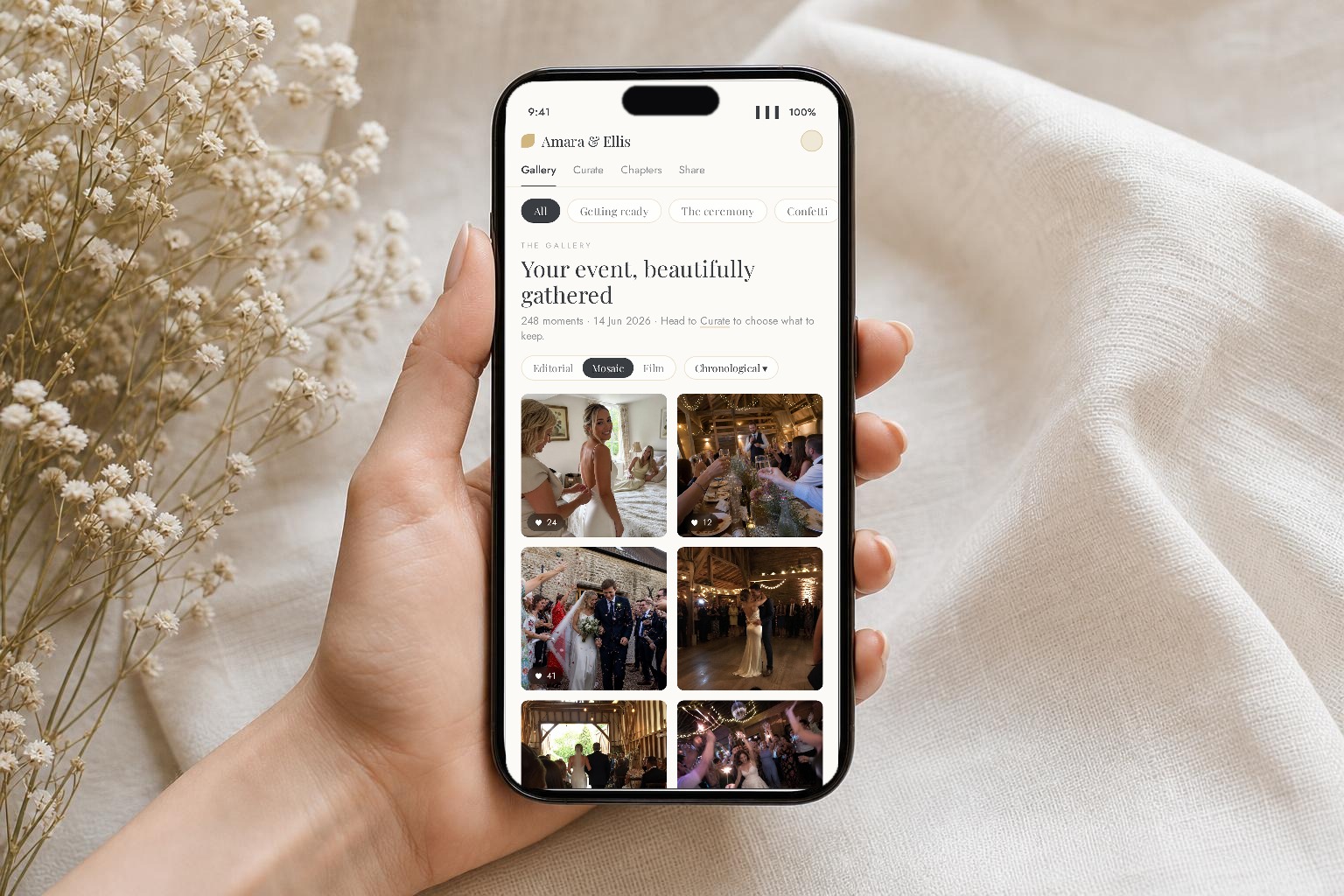
QR-to-browser flow (no app), full HEIC + 4K, chapters of the day, owner-approved public gallery, three sharing modes, 3- or 12-month HD archive. Scores: 4/4 on the criteria above — we'd be bad at our jobs if we scored ourselves anything less, and we built it specifically to hit them.
A short, biased recommendation
Pick the platform that scores best on the four criteria above for your actual wedding. For most couples in 2026 — mixed guest demographics, some absent family, a desire for something nicer than a WhatsApp group — that platform is the QR-to-browser, chaptered, owner-curated category. Confetti Frame is our entry in it.
Try us free, run the upload flow with friends, decide before you pay. If we are wrong for your wedding, you'll know in five minutes.
If you only have 30 seconds
- A dozen guests, all on iPhones, photos only: an iCloud shared album will do.
- Tiny and mixed-platform: a Google Photos shared album, accepting that anyone without an account simply won't take part.
- Any real wedding: a QR-to-browser platform with chapters and curation — that's Confetti Frame.
- You want a live celebration feed on a screen at the reception: the Live Celebration tier on Confetti Frame.