Guide · 8 min read
How to Get Wedding Guests to Actually Share Their Photos
Your guests took thousands of photos at your wedding. You'll see a handful. Here's why that happens — and the simple system that changes it.
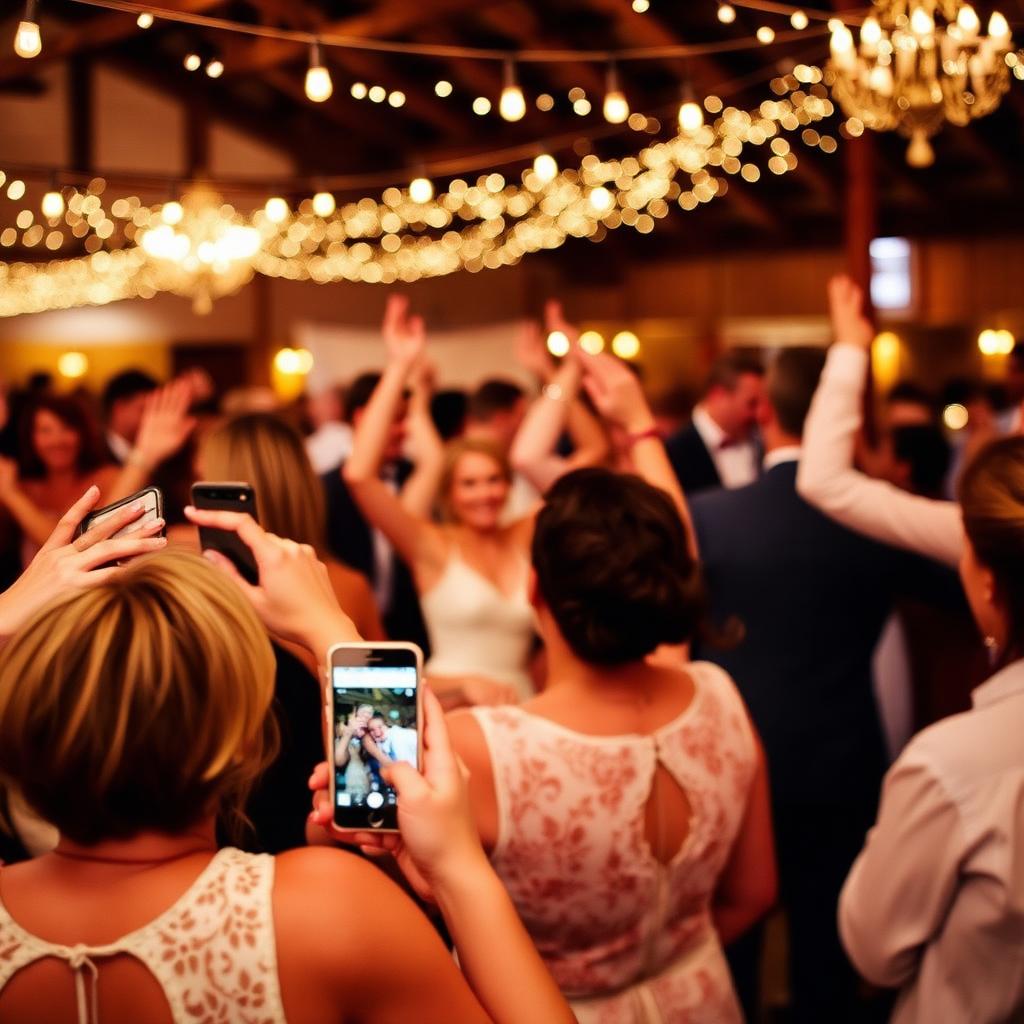
Why every traditional method fails
Every couple thinks the problem is reminding people. It isn't. The problem is friction. The methods couples reach for first are the ones with the most friction:
- WhatsApp groups compress photos heavily by default. Guests share a couple and stop, and the group usually goes quiet within days.
- Hashtags require guests to upload to Instagram and remember the tag. Only a minority do both.
- Shared Dropbox / Google Drive links need an account, a sign-in, a 10-minute upload over hotel Wi-Fi. Most guests get halfway, hit a permission error, and never come back.
- "Email me your photos" works for the four people who would have sent them anyway.
None of these survive contact with a tired guest, a dim venue, and a phone with one bar of signal.
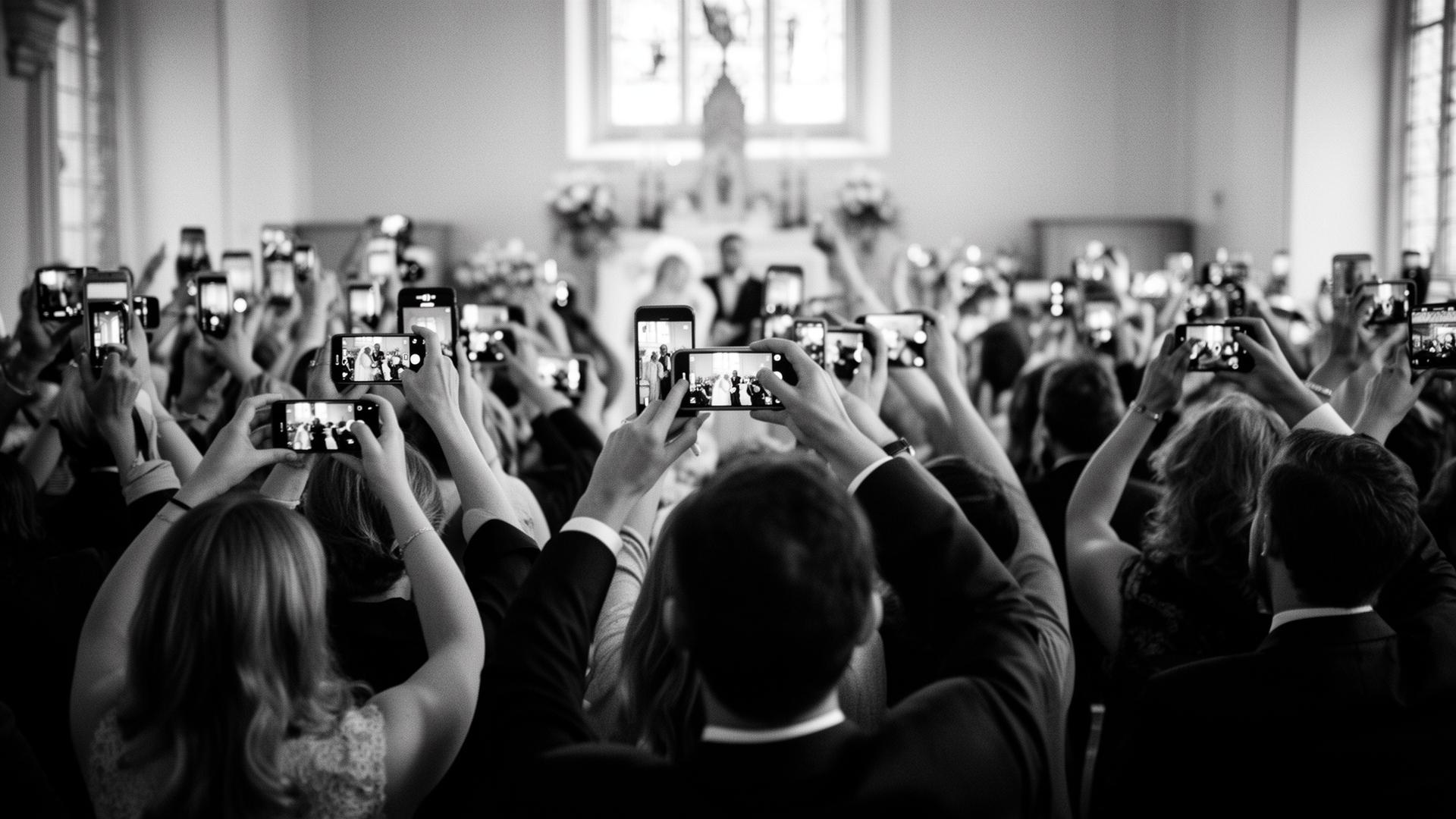
What actually works: remove every step except 'scan'
The platforms that collect the most guest photos all do the same thing: they reduce sharing to one action. Lift phone. Point at QR code. Tap banner. Upload. No account, no app, no password, no folder choice, no compression.
Once the technical friction is gone, the only thing left to design is the prompt — the reason a guest pauses mid-conversation and actually scans.
Five prompts that lift participation
- The MC's welcome line. One sentence, before the starter:"There's a QR code on every table — please share anything you snap with the happy couple." Casual, light, once. It reaches the room in one go.
- A single slide between speeches. Your names, the QR code, ten seconds on the projector. Catches anyone who missed the MC.
- A tiny line on each menu. "Scan the QR for the photo gallery." It sits there for two hours while people read it three times.
- A mention before the first dance. The moment with the most shareable photos in the entire day. A nudge here is worth a hundred elsewhere.
- A reminder at the late-night snack station. By 11pm, anyone with a phone in hand will share whatever you ask.
Tell people what to capture, not just where to upload
Generic prompts get generic results. Specific prompts get the photos you actually wanted. The difference is enormous:
- "Share anything you like" → blurry candids, mostly of the same three tables.
- "Get the dance floor from the balcony" → ten people climb the stairs and you have the shot.
- "Snap the speeches from your table" → forty different angles of the same moment, in HD.
Brief two or three trusted guests with specific shot ideas. They'll do it, they'll tell others, and you'll get the photos your photographer literally cannot be in three places to capture.
The thing nobody tells you about etiquette
Guests share more when they trust where the photos go. A QR card that says"private to us — we'll send our favourites back to you" reassures people in a way that "upload here" does not. People want to share. They just don't want to feel like they're publishing.
Owner-curated platforms (where you approve what gets shared with other guests) outperform open feeds for exactly this reason.
What to do after the day
Send a single thank-you the day after, with a link to the curated public gallery. Guests who shared see their photos featured. Guests who didn't realise what they missed — and a surprising number upload retroactively from the post-wedding scroll.
With Confetti Frame, that's automatic: your private feed stays organised by chapter, your public gallery only shows what you've approved, and your full-resolution archive sits ready for the wedding album, prints, or anniversaries down the line.
Set up the easy way
One QR code, one private gallery, every guest's photos. No app, no logins, no chasing camera rolls a month later.
Create your event