Guide · 8 min read
How to Share Wedding Photos Online for Free (And When Free Isn't Actually Free)
The free options for sharing wedding photos online are genuinely fine — for the right job. The mistake most couples make is using one tool ("WhatsApp is free, let's just use that") for every job, and ending up with a fragmented archive nobody can find. Here is what each free tool is actually good at, and the moment a paid platform earns its keep.

Option 1 — Google Photos shared album (best free option)
Free for up to 15 GB across your Google account. Full resolution preserved. Shareable via a link. The catch: guests need a Google account to contribute, and roughly half your guest list is on Apple's ecosystem. Sign-in is the friction point.
Best for: consuming the final album. Worst for: collecting from a mixed-platform guest list.
Option 2 — iCloud shared album
Free for Apple users. Beautifully integrated into the Photos app. Caps at 5,000 photos and 5-minute videos. Android guests can view via a web link but cannot upload, which kills it as a collection tool the moment your guest list isn't 100% iPhone.
Best for: all-iPhone close family group. Worst for: collecting from anyone on Android.
Option 3 — Dropbox / WeTransfer / cloud storage
Free tiers are tight: Dropbox 2 GB, WeTransfer 2 GB per send. One wedding day of 4K video exceeds both. You'll be pushed onto paid tiers (£8–£12/month) quickly. Permission errors are common when a guest is signed into the wrong account.
Best for: one-off file handoff to your videographer. Worst for: ongoing guest contributions.
Option 4 — WhatsApp group
Already exists. Highest install rate of any option (everyone has it). The fatal flaw: WhatsApp compresses photos heavily by default and limits how large a video can be. Your wedding archive ends up thin and screen-grade. Acceptable as the real-time chatter; useless as the keepsake.
Best for: day-of jokes and quick highlights. Worst for: the actual archive.
Option 5 — Social platforms (Instagram, Facebook)
Free, viral, public. You'll get the highlight reel — guests will post their favourite two photos to Stories. You won't get the 580 they didn't post. And whatever they do post is compressed and lives at the mercy of the platform's algorithm and longevity.
Best for: getting hyped after the wedding. Worst for: a complete archive.
When free actually costs more than £39
Run the numbers honestly:
- Three hours sorting WhatsApp screenshots into folders.
- Two months chasing the cousin who said "I'll send you the videos".
- Photos compressed beyond use for printing.
- No video at all from anyone over 50 who can't navigate Google Drive.
- An album you can't actually share with the grandparents who weren't there because every link needs a sign-in.
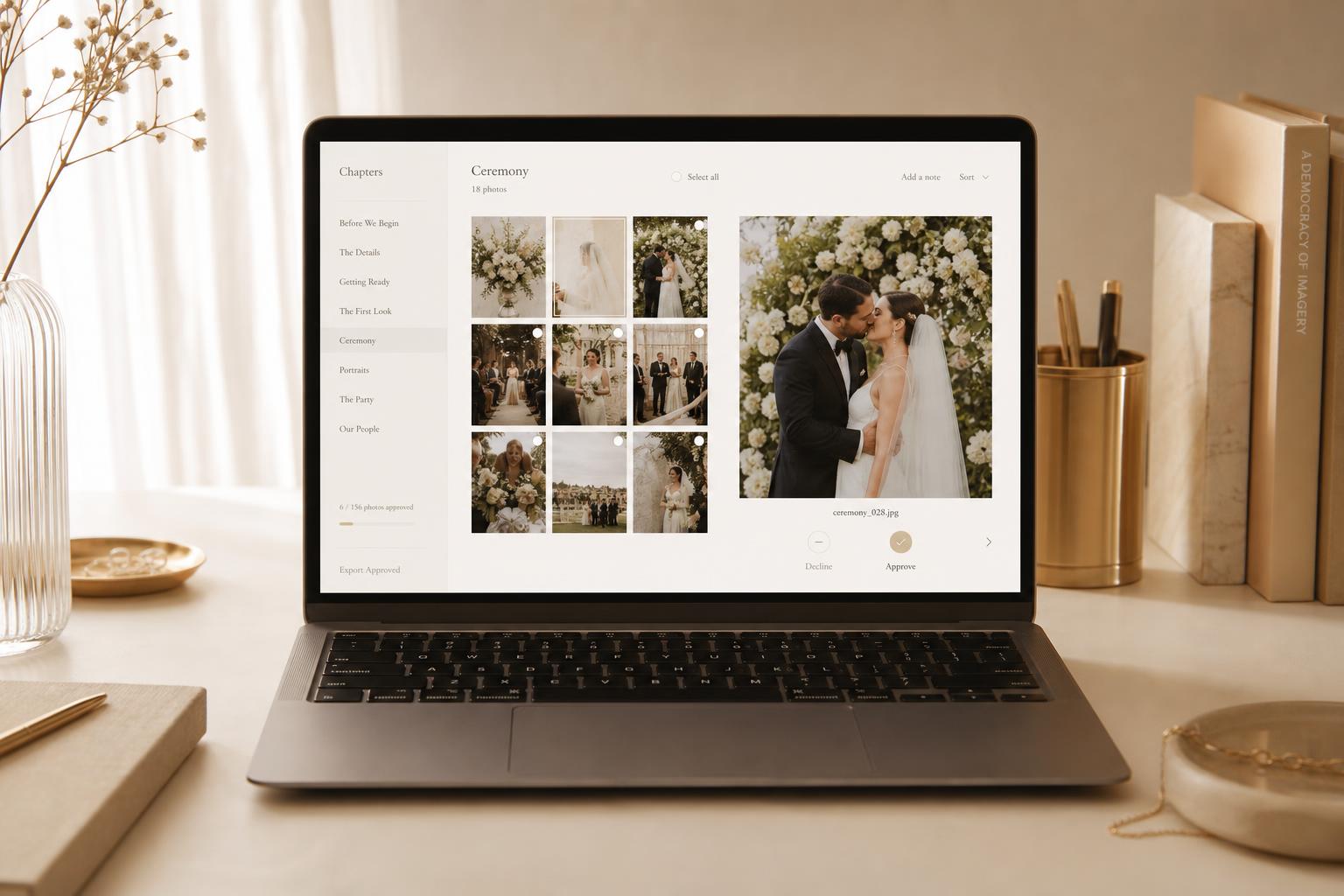
That's the real price of "free". £39 / $49 for Confetti Frame's Private Vault buys back all of it: chaptered, full-resolution, sharable, no-app, owner-curated, kept in HD for three months (twelve on Live Celebration).
When free is genuinely fine
Tiny weddings (under 30 guests), entirely on one ecosystem, where you don't care about absent family seeing the gallery and the professional photographer will fill in the gaps — a Google Photos shared album does the job. Use it without guilt.