Guide · 9 min read
POV Wedding Videos: How to Collect Every Guest's Footage in One Place
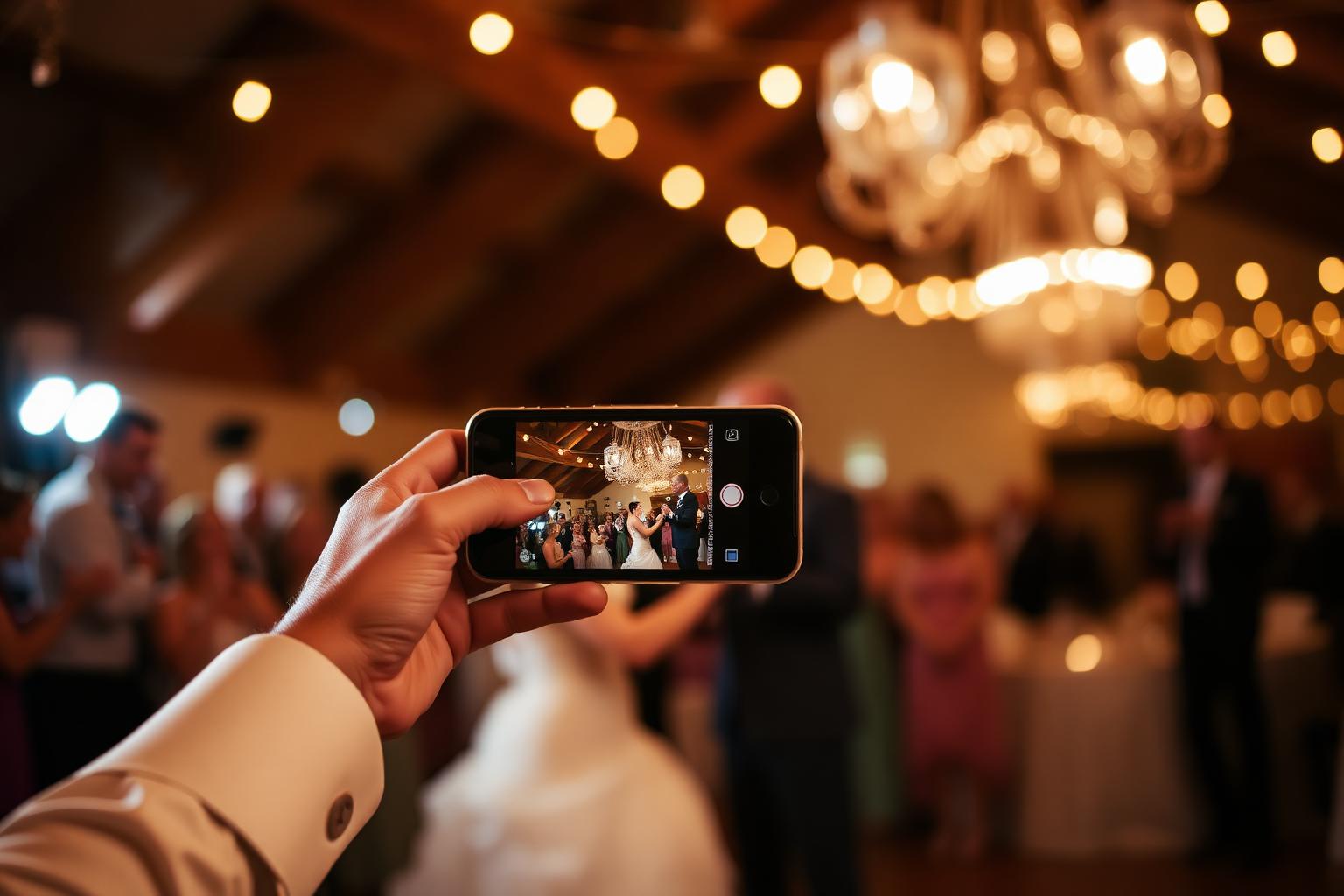
POV — point of view — went from a TikTok trend to the way an entire generation documents real life. At a wedding, your guests are filming everything: the walk down the aisle from the third row, the speeches from the seat next to the speaker, the dance-floor chaos at 11pm that your videographer left an hour ago. Most of those clips die in the camera roll. Here is how to keep all of them.
Why POV footage is the most underrated wedding asset
A professional videographer gives you cinematic coverage — locked-off angles, gimbal walks, beautifully cut highlights. A guest's phone gives you something a pro literally cannot: the front-row view of your nan crying when you say "I do", the candid speech reaction from your best friend, the unfiltered minute after the ceremony when nobody knew the camera was rolling.
That footage is irreplaceable, and right now it lives on 140 different camera rolls, most of which will be deleted in eighteen months to free up phone storage. The collection problem is the entire problem.
Why "POV apps" fail at weddings
App-based POV cameras have a participation ceiling. Every guest has to download, register, grant permissions and learn a new camera UI before they capture the first frame. At a typical wedding a good share of guests simply won't install it — older guests least of all. You lose the most emotional footage — the parents, the grandparents — because those are the people least likely to install a one-time app.
The QR approach: every phone, no install
Confetti Frame uses the camera every guest already knows how to use. They scan one QR code from the table card, the menu, or the order of service. Their browser opens. They tap upload. Video stays at full resolution — 4K if their phone shot 4K — because we never compress on the way through.
- Generous file size limits for individual clips, where messaging apps cap and compress longer video.
- HEVC and H.264 both accepted — iPhones and Androids upload natively, no conversion artefacts.
- Original orientation preserved — portrait footage stays portrait.
The organising problem POV apps don't even try to solve
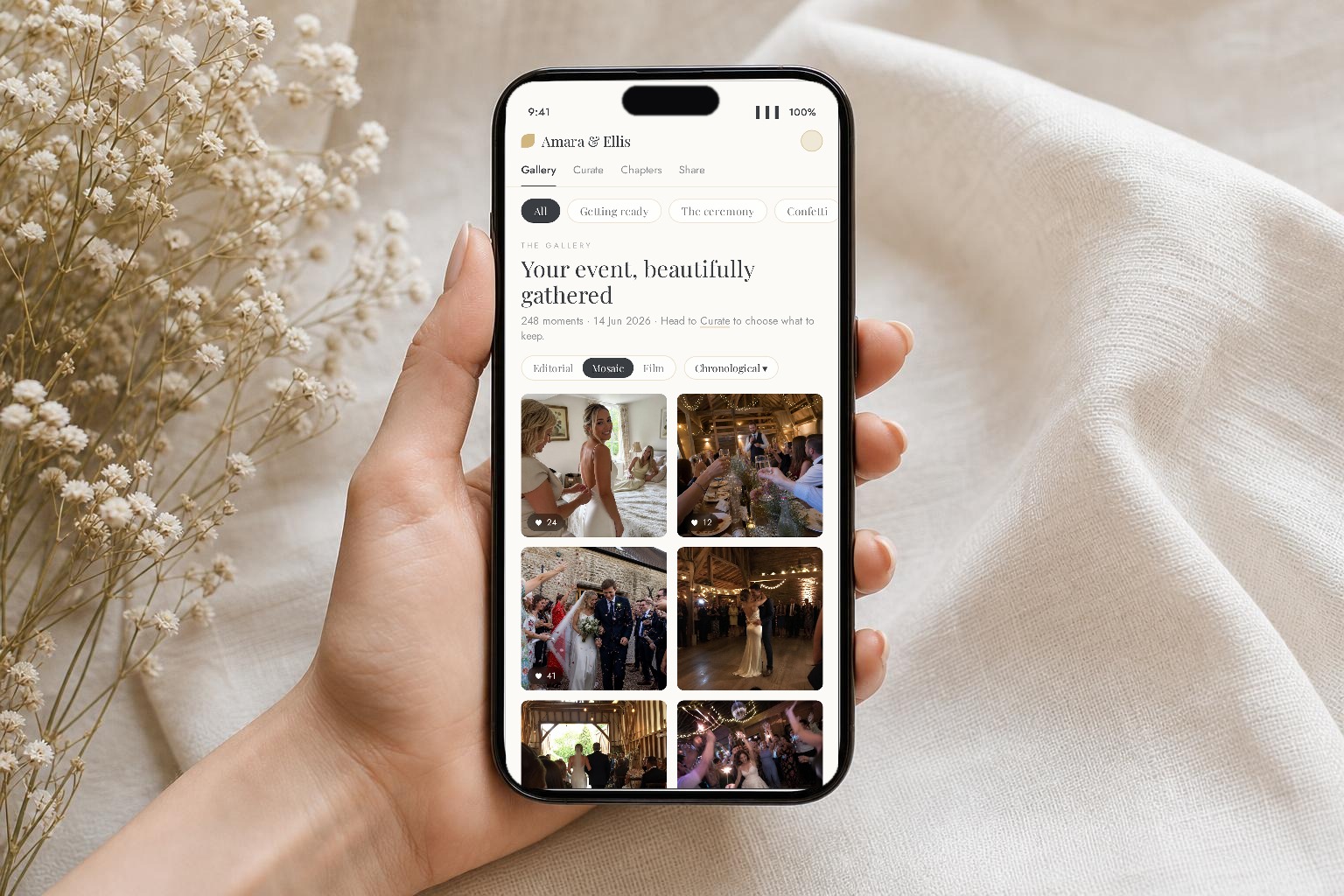
Even if you got every guest to install a POV app, you'd end up with one undifferentiated feed of 1,800 clips in upload order. Useless when you want "the first dance, all angles" or "speeches from the family table". Chapters are the difference between a video library and a video graveyard.
Confetti Frame asks guests one question per upload — which chapter is this from? — and files the clip accordingly. You sit down the next morning and every angle of the first dance is already grouped together. Your videographer (or you, in Premiere or CapCut) can multi-cam edit from real coverage instead of guesswork.
A practical playbook for collecting POV footage
- Brief the MC. One line before speeches: "If you're filming, scan the QR on your table and upload — the couple want every angle."
- Print QR cards for every table. See the QR card template — free download.
- Seed chapters in advance. Ceremony, Confetti, Reception Drinks, Speeches, First Dance, After Party — guests select on upload.
- Approve the public reel within 24 hours. Owner curation keeps the dance-floor highlights without exposing the unflattering speech reaction.
What you end up with
A 4K, chapter-organised video archive of your wedding from 50+ camera angles, ready to hand to your videographer for a multi-cam edit, or to keep as raw memory. Cost: the same one-time event fee that covers your photos — £39 / $49 for Private Vault, £79 / $99 if you want the live celebration feed running on screens during the reception.