Guide · 9 min read
Where Can Wedding Guests Upload Photos? 7 Options Compared
The question every couple asks two months before the wedding: where should our guests upload their photos? There are more options than there used to be — and they are not equal. Here's an honest comparison, written by people who built one of them.

The four things that actually matter
Before the comparison, the criteria. Every "best wedding photo app" listicle ignores these. They are the only four that matter on the day:
- Zero friction for guests. No app download, no account, no password.
- Full resolution preserved. 4K video and HEIC, not WhatsApp-compressed previews.
- Organisation that survives 4,000 uploads. Chapters of the day, not one endless scroll.
- Curation control. You choose what gets shared publicly. Always.
Hold each option below against those four. The picture becomes very clear.
The comparison table
| Option | No app? | HD video | Chapters | Curation | Cost |
|---|---|---|---|---|---|
| WhatsApp group | Yes | No (compressed) | No | No | Free |
| Google Photos shared album | Account required | Yes | No | No | Free up to 15 GB |
| Dropbox / iCloud link | Account required | Yes | No | No | Free tier limited |
| Hashtag (Instagram) | Yes | No (compressed) | No | Partial | Free |
| Wedibox / WedShoots / Weduploader | Some | Yes | Limited | Limited | £30–£90 |
| Disposable camera app (POV-style) | Yes (download) | Limited | No | No | Free–£20 |
| Confetti Frame | No app | Yes (HEIC + 4K) | Yes | Owner-approved feed | £39 / £79 per event |
1. WhatsApp group — free, easy, lossy
Already exists. Guests already use it. And it ruins every photo by compressing it to a tenth of the original resolution. Acceptable as a side channel for jokes, useless as a wedding archive. Videos cap at 16 MB. The group dies after a week of muted notifications.
Use if: you genuinely don't care about quality and only want a few highlights.
2. Google Photos / iCloud shared album
Full resolution. Already familiar. The problem is the sign-in wall — guests on the wrong Google account, guests with no Google account, guests on iCloud trying to join an Android album. The sign-in step is where a lot of guests give up.
Use if: your guest list is entirely on one ecosystem (rare) and you accept that some guests won't bother.
3. Dropbox or shared cloud folder
Worse than Google Photos. Even higher friction, even more permission errors. Designed for collaboration, not for 150 strangers uploading once.
4. Instagram hashtag
2016 called. Hashtag participation rates have collapsed — guests post to stories instead, where the hashtag does nothing. Public by default, which most couples don't actually want. Photos are Instagram-compressed.
5. Wedibox, WedShoots, Weduploader and the legacy wedding apps
All real products, all genuinely better than WhatsApp. Most are uploaders — they collect photos into a single feed and let you download a zip. Few solve organisation (chapters of the day) or curation (owner-approved public gallery). Pricing is comparable. If you've heard of one of these and prefer it, by all means use it.
6. POV / disposable camera apps
A trend rather than a tool. Limits guests to a small number of "shots" for the disposable aesthetic, requires an app download per guest, and produces lo-fi photos. Fun for a small wedding that wants the gimmick — not a serious archive solution.
7. Confetti Frame
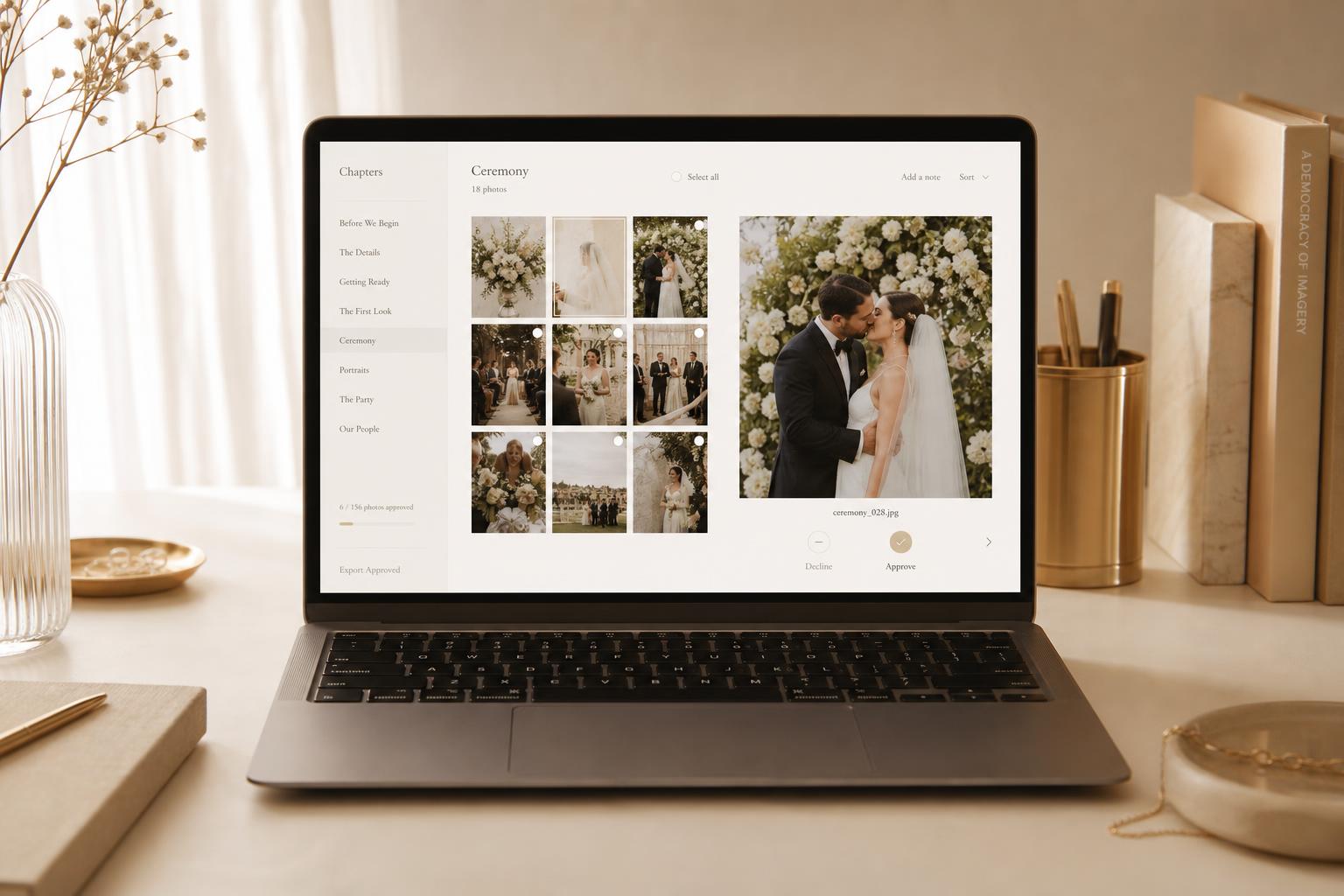
We built Confetti Frame because none of the above did all four things at once. One QR code, no app for guests, HEIC and 4K video, automatic chapter organisation, owner-curated public gallery, full-resolution archive. Three sharing modes (Private Vault, Live Celebration with a real-time feed for guests, or a permanent public gallery), and a single payment per wedding starting at £39 / $49.
We're biased. We also genuinely don't think there's a better tool for the job in 2026.
The decision shortcut
- Free, low-stakes, small wedding: Google Photos shared album, brace for friction.
- Tech-savvy guest list, casual feed: WhatsApp + Instagram hashtag.
- Most weddings: a dedicated platform with chapters, curation and an archive. We obviously recommend ours — but the principle holds whichever you pick.
See the difference for yourself
Create your event free, try the QR upload flow with friends, decide before you pay.
Try Confetti Frame